Website Maintenance Costs + Case Examples
Complete details of website maintenance costs from the smallest to the largest scale, including DIY options, hiring a developer, and a professional agency, as well as real case examples.

You have several options for maintaining your website:
- DIY (Do it Yourself)
- You hire a developer
- or you leave it to a professional agency
Each has costs, but even if you choose the DIY route, there will always be costs you will need to incur.
💡 Website maintenance costs start from IDR 26,500/month (for the smallest business websites), to more than 10 million per month for large scale and e-commerce ones.
If your website is built using a website builder, such as Wix or Squarespace, there is not much technical maintenance that will be done, except for the costs of using additional premium plugins, marketing needs and content creation.
On the other hand, if your website is created using a CMS such as WordPress, Joomla, and Laravel which is done by a freelance developer, there will be routine maintenance work that must be done to ensure your website remains up-to-date, such as updating themes, plugins, and core CMS and ensuring everything is compatible.
That's just the update work, we haven't talked about the costs of web hosting, domain, content creation, backups, SEO, on-going development, marketing and so on. Did you know this? Maybe some website owners don't calculate it.
So, in this article, I will explain why maintenance is crucial. I will also discuss what costs are included in website maintenance and at the end of the article, I will give a real example of the maintenance costs of one of my websites so that it will increase your understanding or insight.
What costs are included in website maintenance?
There are things that you must pay for every year, such as hosting and domains and these are basic needs that cannot be avoided.
Apart from that, there are additional features that are optional or complementary features, the need for which depends on your business goals.
In the following table, I have summarized all website maintenance costs. However, it is important to understand that not all of these items are necessary for every type of business.
| Products | Category | Annual fee |
|---|---|---|
| Domains | Mandatory | IDR 24,000 – IDR 1,857,000 |
| Hosting | Mandatory | IDR 168,000 – IDR 40,000,000+ |
| Email hosting | Highly recommended | IDR 186,000 – IDR 3,348,000 / user * |
| Backups | Highly recommended | IDR 31,500 – IDR 10,000,000+ |
| Premium plugins | Depends on needs | IDR 0 – IDR 15,000,000+ |
| Themes | Depends on needs | IDR 0 – IDR 1,000,000+ |
| Content updates | Depends on needs | IDR 0 – IDR 100,000,000+ |
| Stock images | Optional | IDR 0 – IDR 20,000,000+ |
| SEO | Critical for Businesses Relying on Organic Search | IDR 0 – IDR 100,000,000+ |
| SEO | Depends on business goals | Rp. 0 – Rp100,000,000+ Note: |
*Price of email hosting may be included in your website hosting package. Price of backups may be included in your hosting package.
The table above does not cover all costs, because there are still costs for salaries of in-house employees (if any) or costs for vendors or developers that you contract to maintain your website every month.
And you must have noticed that the cost range is very wide. This is because each website is unique, so maintenance costs cannot be standardized.
However, what you need to remember and know is that as your business grows, maintenance costs tend to increase, especially if your website plays an important and serious role in your business operations.
What costs are included in website maintenance?
Domains
A domain is the "address" of your website on the internet, and is not an asset purchased for permanent ownership, but rather rented.
All domain service providers I know operate on an annual payment model, not monthly. However, you have the option to pay the domain lease for several years in the future, such as 2, 5, or up to 20 years.
Domain rental costs can vary depending on the domain extension chosen (such as .com, .id, .org, .net) and where you rent it from.
The following is a summary of costs for several popular domain extensions in Indonesia, from various service providers that I recommend:
| Registrar | .com | .id | .co.id | .my.id | .net |
|---|---|---|---|---|---|
| DomaiNesia | Rp. 175,000 | Rp. 249,000 | Rp. 300,000 | Rp. 24,000 | Rp. 210,000 |
| Cloudflare | $9.15 | – | – | – | $9.95 |
| Namecheap | $10.28 | $22.98 | – | – | $11.98 |
Website hosting
Web hosting is another mandatory cost besides the domain.
If you use a website builder like Wix or Squarespace, then web hosting isn't a cost you need to worry about, as hosting is included in their packages, so there's no need to worry about it separately.
However, for those of you choosing a CMS like WordPress, selecting best hosting provider is important. The main criteria to look for in web hosting are stable uptime, fast servers, and reliable customer support.
Hosting costs vary greatly, depending on the provider and type of hosting chosen:
This is the most affordable option, suitable for small to medium sized websites with traffic of less than 15,000 visitors per month. Ideal for static websites, but less suitable for dynamic websites such as e-commerce sites. Shared hosting prices are relatively cheap, ranging from IDR 10,000 - IDR 100,000+ per month.
I recommend DomaiNesia (as the best shared hosting provider according to Hosting Advisor) and SpeedyPage (more powerful and has more stable uptime, a solid choice).
In contrast to shared hosting. In VPS, you do not share resources so everything is exclusive to you. VPS is divided into unmanaged VPS (lower costs, but you are responsible for the maintenance and set up) and managed VPS (higher costs, but the maintenance is taken care of by the provider).
There are VPS with dedicated CPUs and those with shared CPUs. VPS with dedicated CPUs are usually more expensive and are often intended for e-commerce websites.
My recommendations are SpeedyPage VPS (the VPS I also use for all my website maintenance clients) and Digital Ocean (A more expensive option, but with features that can please developers).
WordPress hosting is specifically designed to improve WordPress performance in terms of infrastructure and server configuration. The costs are higher compared to unmanaged VPS and shared hosting, but you get support from technical staff who are experts in WordPress. I recommend Kinsta, with prices starting at $35/month.
If you have a company profile website with infrequent visits, or a static website with low traffic and doesn't use many heavy plugins, such as WooCommerce, shared hosting should be sufficient.
On the other hand, if you prioritize very fast website performance and more stable uptime and a stronger level of security, VPS is your best choice.
*Based on my tests, a VPS that is configured properly and specifically for WordPress has faster performance than managed WordPress hosting like Kinsta. However, this applies only if you have the knowledge to configure the server. If not, you might consider hiring a developer or using a Managed WordPress Hosting service like Kinsta.
- Willya Randika, Founder of Harun Studio
Email Hosting
*Price range: IDR 186,000 - IDR 3,348,000 per user *
*Hosting email is meant to be a business email, such as [email protected].
If you rent a shared hosting package, usually business email is included in the package, however, if your business relies heavily on email, I do not recommend that you use email which is free or included in your hosting package, for two reasons:
-
Hosting Dependency: If your hosting server is down, your email will also be affected.
-
Quality Service: The features of the email hosting built into shared hosting packages are often unreliable, especially when it comes to anti-spam features.
Here are some email hosting options that I recommend:
1. Google Workspace or Microsoft 365: An expensive choice, but definitely professional for your business needs. The email service integrates with various Google or Microsoft productivity applications, so it's suitable for businesses that need a complete application ecosystem.
2. Namecheap Private Email: Cheaper option and the one I use currently. Is a pretty solid cheap option. Over several years of use, I have not encountered any significant problems and the service is even suitable for cold email marketing.
- Mango: Probably the cheapest option on the market. Offers unlimited domains and unlimited users for just $1.5 per month.
Plugins and Themes
The plugins I mean are "Extensions" in Squarespace or "Apps" in Shopify and Wix, but if you are a WordPress user, then you must be familiar with the term plugins.
This plugin is the same as an application on your smartphone, some you can use for free, some you have to pay for, some also have two versions: free and paid. And the number of plugins or apps you need certainly suits your needs, right? So, the number will definitely vary for each type of website.
I have listed my recommended plugins on the following best WordPress plugins page on Harun Studio. You can visit it to get the right recommendations.
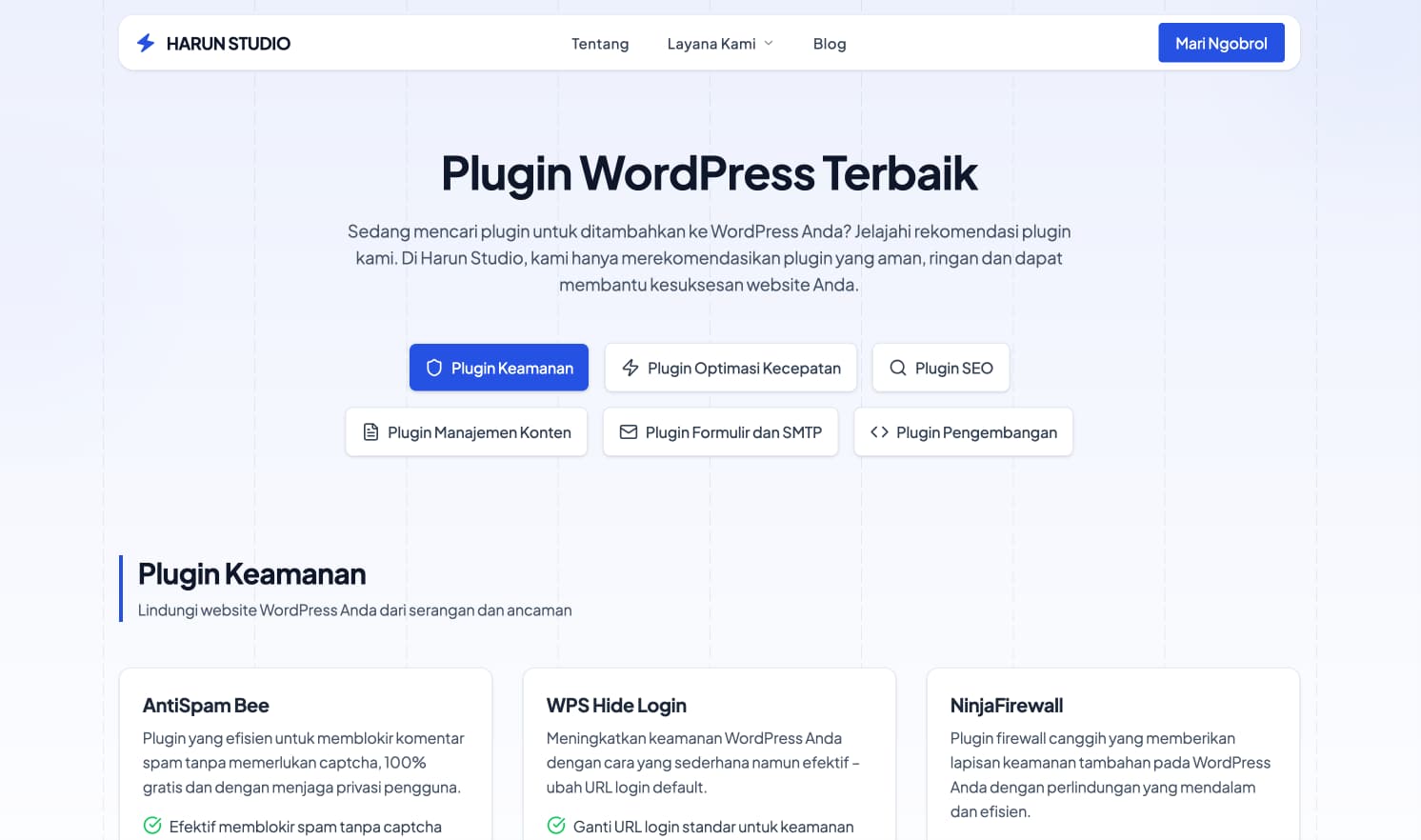
A theme, which is a template or set of designs, gives your website a special look. The cost of themes varies, depending on your choice and preferences. Below, I've put together a summary of popular, frequently used themes, to give you an idea of the options available.
| Theme Name | Description | Price |
|---|---|---|
| Astra | Light, fast and highly customizable. | From $47/year |
| GeneratePress | Focus on performance and usability. | From $59/year |
| Kadence | Offers many customization features. | From $59/year |
| OceanWP | Popular with many demo sites. | From $43/year |
| Zakra | Fast, flexible and SEO friendly. | From $49/year |
| Neve | Lightweight and mobile-first. | From $69/year |
| Blocksy | Fast and feature rich. | From $49/year |
| SeedProd | Focus on creating landing pages and themes. | From $39.5/year |
| CheckoutWP | Optimizing WooCommerce checkout page. | From $199/year |
| Hello Elementor | Basic theme for Elementor Pro. | Free |
Content updates and Stock images
Costs for content updates and using stock images on your website can vary greatly, depending on whether you do it yourself (DIY) or outsource.
DIY
If you are interested in the creative aspect of managing a website, creating content can actually be a fun activity.
Of course it applies if you, as a business owner, have the time to dedicate to the task
In my experience, writing your own content often provides a more personal touch and is effective in conveying the message, because no one understands your business better than you.
What you need to remember is that it is important to have a regular content posting schedule. For example 1x a week, 2x a week or 1x a month.
Content Outsourcing
If you choose to use freelance services or a creative agency for your website content, the costs can vary. Starting from IDR 10,000 per 200 words to hundreds of thousands per 1000 words.
There are also fees of around IDR 5,000,000 to write a guide or full page article (around 2000 words).
What you pay a freelancer or agency depends on many things, including:
- Author's Skills and Experience: A writer's skill level and background experience greatly impacts costs. I personally tend to choose freelancers who are specialists rather than generalists. For example, for websites about parenting, it is more effective to look for writers who have special expertise in that area.
- Word Count: Fees are often calculated based on the number of words written.
- Writing Style: Every writer has a unique style, which can influence their rates.
- Understanding of S
EO: A writer's ability to apply SEO principles to their content can also impact costs.
So far, I don't have any specific recommendations for freelancers or agencies that focus on Indonesian language content, because my experience is more in creating DIY content for my blog or website.
Ultimately, the choice between DIY and outsourcing should be tailored to your capabilities, time, and budget, as well as to your website's goals and target audience.
And what about stock photos?
When it comes to stock images, there are several options to choose from. You can use free image sources like Unsplash or Pexels to save costs, or choose a paid service for high-quality, specific images that suit your content needs.
| Service Provider | Price |
|---|---|
| Unsplash / Pexels (Free Resources) | Rp 0 |
| Shutterstock / Adobe Stock (Subscription) | Starting around IDR 400,000 - IDR 10,000,000+ / month (depending on package & number of images) |
| Unit Purchase (Paid) | Starting around IDR 50,000 - IDR 500,000+ / image |
SEO: DIY vs. Outsourcing
DIY SEO
If your business relies on or even relies on organic traffic, then you at least need to carry out tasks that can increase your website's ranking in search engines such as Google and Bing.
In fact, SEO can be done DIY without needing an SEO Specialist, but only if you are willing to invest the time to learn it.
At least, as a small business owner, you need to be proficient in On Page SEO, such as:
- Creating a Meta Title and Description: Must be precise, informative and attractive to readers and search engines. Don't forget to include the main keywords you are targeting in the title and description. If you use WordPress, an SEO plugin like SEOPress can help you
- Use of keywords: Include the keywords you aim for in the content you create. If your content is about "Website maintenance costs", then you need to include this keyword in your content, both in the headline and in the content itself.
- Alt Text on Images: Provides alternative text on images to help search engines identify the content of the image.
And there are tons of tools that can check your website's SEO, and if you are looking for a free option, then Ahrefs Audit Tool can be your best option.
Outsourcing SEO
For those of you who prefer to hand over SEO to an SEO Specialist, outsourcing is the right choice.
Professional SEO services may include:
- Website audits
- Keyword research
- Rank tracking
- On-page SEO optimization
- Off-page SEO optimization
- Strategy for getting backlinks
- Internal linking
- Competitor analysis
The price of this service varies, depending on the complexity of your website and your specific SEO goals.
When choosing an SEO service provider, keep the following factors in mind:
- Reputation and Experience: Choose a provider with a proven track record of improving SEO rankings.
- Transparency and Communication: Choose an agency that is transparent about the strategies and methods they use. I suggest choosing an agency that uses long-term strategies and not short-term strategies such as using PBNs and illegal methods that do not comply with Google's rules.
- Customization of Services: Make sure the SEO services offered are tailored to the specific needs of your business.
- Reports and Analysis: A good service should provide regular reports on performance and suggestions for improvement.
A skilled SEO specialist or experienced SEO agency will usually start by analyzing your website in depth first.
They then develop a custom SEO strategy, tailored to the specific needs and current SEO conditions of your website.
My recommendation is to use a service like this especially for large-scale websites, considering that the costs involved are usually higher and they are more suitable for projects of large scale and complexity.
Website maintenance
Carrying out maintenance on a website is important and mandatory.
Why? As WordPress Developer, I often get short projects to repair websites that have been hacked, malware or viruses.
Why? For three reasons, namely:
- Delay in Word
Press Updates: WordPress hasn't been updated for a long time, so many plugins are found that have vulnerabilities or don't have security vulnerabilities.
2. Weak Security: because the security level is not strong enough both at the server level and at the website level.
3. Use of Pirated Plugins or Themes: Use of pirated plugins or themes raises serious security risks.
So, there are three ways you can do maintenance: DIY vs. DIY. Maintenance per service vs. routine maintenance. I will discuss it in full and the costs as follows:
DIY
If you want to save costs or manage your website operational budget more efficiently, then doing DIY website maintenance is the right choice.
To help you with this process, I have put together a complete guide on how to do website maintenance manually or DIY. This guide is available at website maintenance guide in Harun Studio.
Here is the gist of the guide. However, to obtain more detailed and in-depth information, you can visit the link.
| Tasks | Frequency | Description/Tools Used |
|---|---|---|
| Daily backups | Daily | Use a backup plugin or backup system from your hosting provider or both. |
| Monitoring website uptime | Daily | Use monitoring tools such as UptimeRobot, Cronitor or BetterUptime. |
| Database cleaning | Weekly | Use a plugin like WP Rocket, WP Optimize or Advanced Database Cleaner to automatically schedule this task. |
| Update and upgrade WordPress core, themes and plugins | Weekly | If there is an update or upgrade, do it every week to avoid security gaps. |
| Check and delete all spam comments | Weekly | Use Anti-spam plugins, such as Akismet and Antispam Bee or do regular checks every week. |
| Scanning for WordPress vulnerabilities | Weekly | To maintain website security, carry out scanning every week, either using Sucuri, or a security plugin such as Wordfence and MalCare. |
| Check website performance | Weekly | This is important to do every week to ensure your website is working optimally. Use PageSpeed Insights and Google Search Console. |
| Removing unused themes and plugins | Monthly | This usually doesn't need to be done every week unless you change themes or plugins frequently. Doing this every month is enough. |
| Check all forms | Monthly | Unless you create new forms every week, checking all forms every month is quite effective. |
| Check and optimize On-page SEO | Monthly | Fix any errors you candamage the website's SEO, such as broken links, wrong redirects and so on. Use the Ahrefs Webmaster Tool and Google Search Console tools. |
| Update meta tags and description | Monthly | This is an important SEO task and should be done every month. |
| Perform SMTP Check | Monthly | Unless you're having problems with your email, doing this check every month is sufficient. |
| Check all user accounts | Monthly | Doing this every month is enough, especially if you don't add new users frequently. |
| Check the statistics of your web hosting package | Monthly | Doing this every month is also quite effective. |
| Check and update if there are changes to the sitemap | Monthly | Usually, this only needs to be done if you change the site structure or replace an SEO plugin that can change your website's sitemap URL. |
Perform maintenance per service only
This option means you only contact the developer when there are special needs, such as fixing problems, errors, or bugs on the website, updating themes, plugins, and the CMS core, customizing themes, adding new functions, setting up plugins, and other similar tasks.
This pay-per-service model has varying costs, depending on the complexity and type of problem at hand.
At Harun Studio, we charge IDR 250,000 for one maintenance task.
Monthly maintenance subscription fee
Usually website maintenance is handled with a monthly subscription system. The amount of the fee depends on the type of service, features and benefits you need. The complexity of the website also plays a role in determining these costs.
The price or cost of website maintenance services can vary, starting from around IDR 300,000 to IDR 5,000,000 per month, or even more, depending on your specific needs.
Some service providers offer complete packages that cover all aspects of website maintenance, including speed optimization, security, backups, and spam prevention. Meanwhile, there are also those who focus on certain areas, such as SEO optimization only.
Conclusion and Case Examples
Now, you know the costs that usually arise in website maintenance, so you can plan an effective budget.
Remember that website maintenance costs will vary depending on the type of your website. As an illustration for you, here I explain the Hosting Advisor website maintenance costs as an example case:
| Products | Products used | Cost per year |
|---|---|---|
| Total Cost per year* | IDR 4,113,550 | |
| Domains | Cloudflare | $9.15 |
| SSL | Let's Encrypt | Free |
| VPS hosting | HostHatch | $48 |
| Email hosting | Namecheap Private Mail | $14.88 |
| Backups | Digital Ocean Spaces | $66 |
| CDN | Bunny.net | $12 |
| Themes | GeneratePress | $27.47 |
| Premium Plugins | SEOPress and GenerateBlocks Pro | $88 |
| Firewalls and DNS | Cloudflare | Free |
| Maintenance | – | DIY |
| Website development | – | DIY |
| SEO | – | DIY |
| Content | – | DIY |
| Total Cost per year* | IDR 4,113,550 With an exchange rate of IDR 15,500 per dollar, the total cost of maintaining the Hosting Advisor website is IDR 4,113,550 per year or IDR 342,795 per month. |
Hosting Advisor is a small scale website, that's why the fees are not very high. However, even for small business owners, the costs can be lower than that if you use shared hosting which includes backup services and reliable email hosting in the package.
Furthermore, regarding themes and plugins, it is not always necessary to choose the Pro or Premium version. There are many quality free options, which can save you the expense of a subscription. For those who are just starting a website and have a limited budget, it is important to consider this option and discuss it with your developer.
As a WordPress Developer, I am confident that you can create an attractive and well-functioning website without having to rely on premium themes and plugins.
Extras
Lastly, taking care of website maintenance can feel complex, considering the aspects that need to be handled ranging from hosting costs, domains, content creation, to SEO.
You can choose to hand over some or all of the maintenance tasks to a website maintenance agency like Harun Studio, or perhaps choose to do it yourself with a DIY (Do It Yourself) approach.
Whatever your choice:
- Website maintenance is a crucial aspect to ensure your website operates smoothly and safely.
- Not only does it help improve website performance and speed, good maintenance is also vital in keeping your site safe from threats such as malware, viruses and hacking.
- If you choose a DIY approach to save costs, remember that this will require an investment of time to learn and implement effective maintenance practices.

Willya Randika
Hi, saya Randika, seorang Web Developer yang spesialis di WordPress, Astro, dan Next.js. Sejak 2015, saya telah membantu ratusan bisnis dan profesional membangun website yang tidak hanya cepat dan aman, tapi juga mudah ditemukan di Google dan efektif mengkonversi pengunjung menjadi pelanggan.
Related Articles

3 Best Uptime Monitoring Services
Review and comparison of the 3 best uptime monitoring services. Find free and paid website monitoring tools with full features to ensure your website is always online.
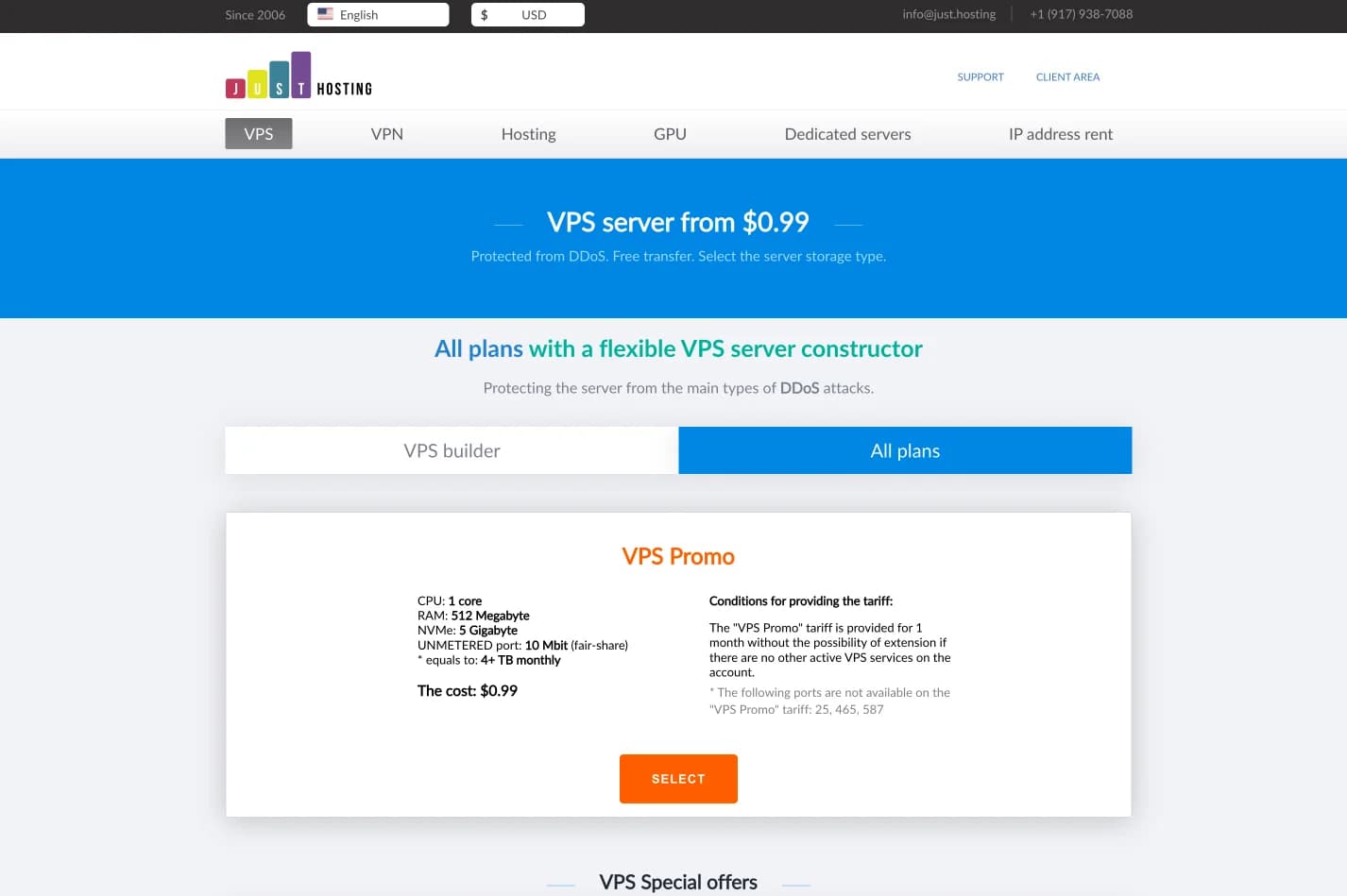
just.hosting: Global VPS with 20 Years of Experience
International VPS provider serving 329,000+ clients in 40 countries with a focus on flexibility, performance and competitive pricing
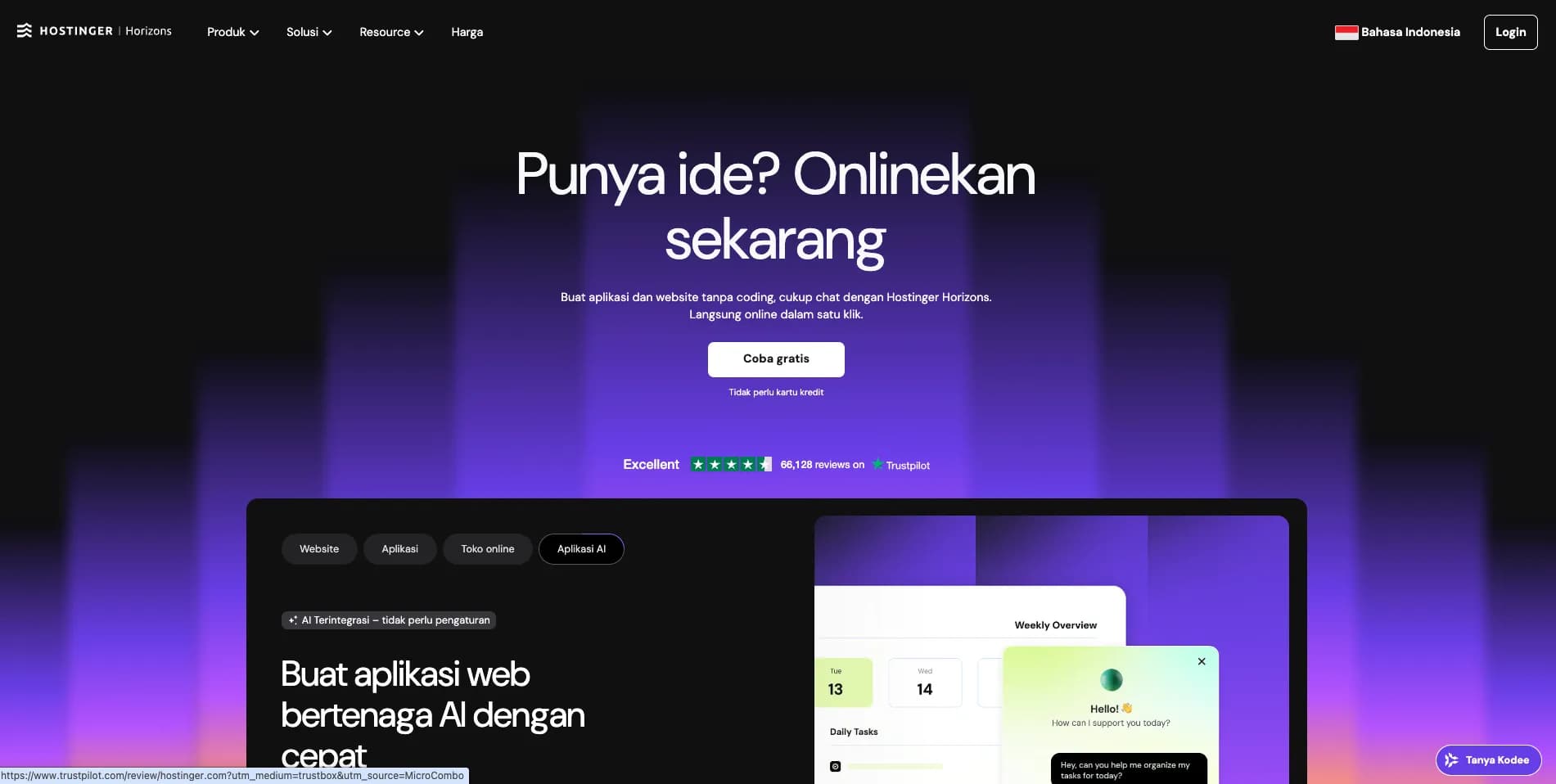
How to Create a Web Application Without Coding for Online Business
Complete tutorial on how to create a web application without coding for online business, starting from planning, creating, and putting the application online.
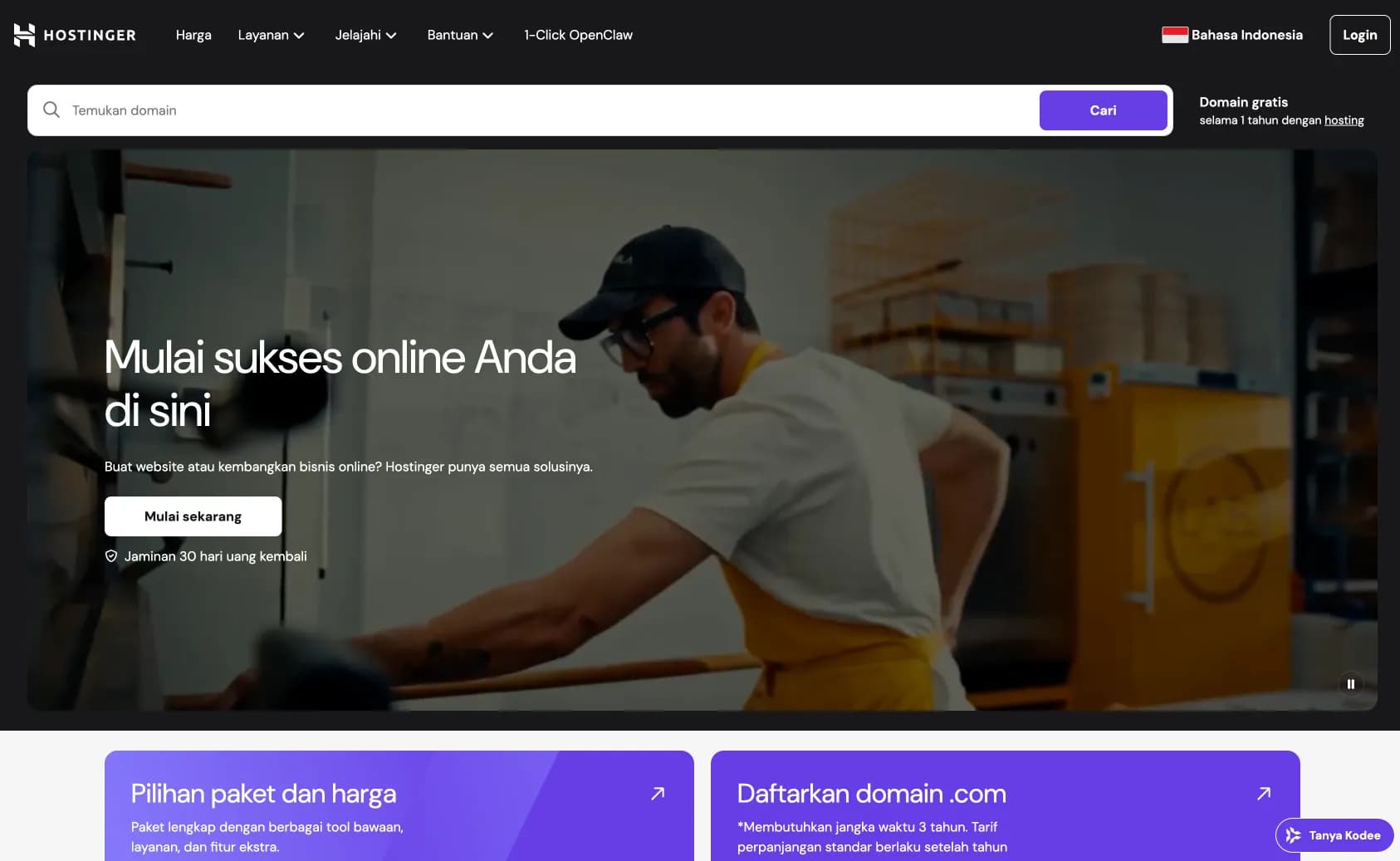
Hostinger: Global Infrastructure, Local Touch
The hosting platform that serves 5 million users in 150+ countries is now present with full commitment to the Indonesian market.
Cloudways Review
A complete review of Cloudways, a popular managed cloud hosting platform, discussing its advantages and disadvantages as well as how it compares to other providers. Suitable for beginners to developers.
How to Migrate WordPress to Kinsta Manually
Complete guide on how to migrate a WordPress website to Kinsta safely and without downtime. Learn three migration methods: Kinsta's free service, the Migrate Guru plugin, and the manual way.
Reseller Hosting vs Hosting Affiliate Programs: Which is More Profitable?
Compare the reseller hosting business model (cPanel/WHM) vs hosting affiliate programs in terms of margins, operations, risks and traffic requirements. Choose the monetization scheme that suits you best.
RunCloud Review
Complete review of RunCloud, a cloud panel for managing Cloud VPS. Learn about RunCloud's features, performance, price, advantages and disadvantages to help you decide.

Shared Hosting: Complete Review from A to Z
Review shared hosting in depth. Understand the ins and outs, potential problems, and more.