What is Cheap Hosting? Is It Always Bad?
A realistic explanation of cheap hosting: how providers can offer low prices, what the risks are, and how to choose a service that remains stable and worth using.
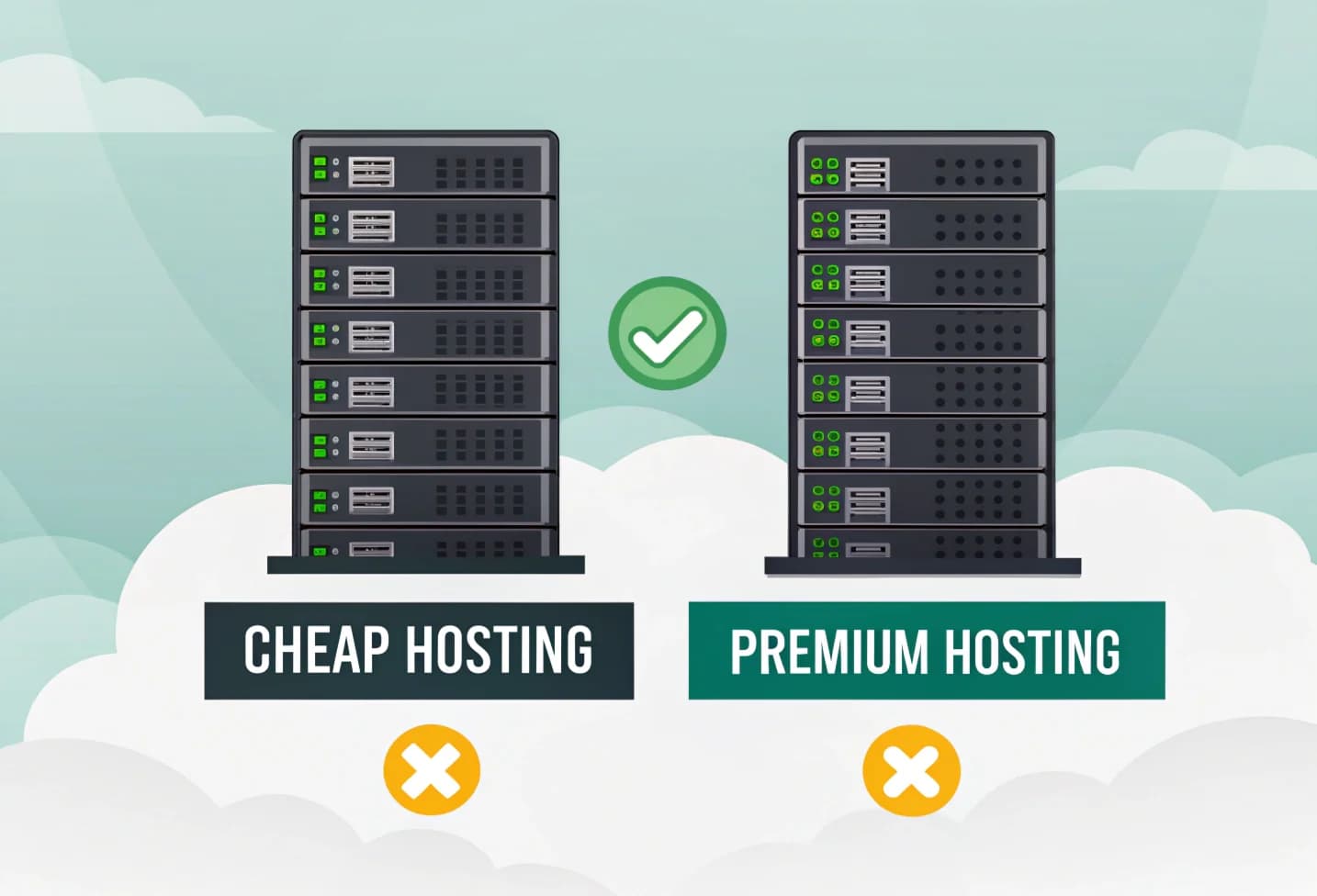
The term cheap hosting often comes up when we are looking for website hosting on a limited budget. Many people immediately assume that cheap means low quality, but this is not always the case.
This article discusses how providers can offer very low prices, what the consequences are, and how to choose cheap hosting that remains stable and worth using.
What is Cheap Hosting?
Cheap hosting usually refers to shared hosting priced under IDR 30,000–IDR 50,000 per month. In this model, many websites share one physical server, including CPU, RAM, and I/O.
Low prices can usually be achieved because:
-
Sharing of shared resources (shared resources) One server can accommodate many accounts so that operational costs are evenly distributed.
-
The account provisioning, backup and suspension process is carried out automatically via panels such as cPanel or DirectAdmin.
-
The more customers, the smaller the margin per account.
-
Promotional strategies, for example the first year promo price is cheaper than the renewal price.
Is Cheap Hosting Always Bad?
No. Cheap hosting isn't always bad — just understand its limitations.
Performance and features are generally tailored for small to medium websites. Meanwhile, mid-range or business hosting usually offers looser resources, higher CPU/RAM limits, and lower server density.
Here's a simple comparison:
| Aspect | Cheap Hosting (Entry
- Level) | Mid
- Range / Business Hosting | | --- | --- | --- | | Performance | Sufficient for small sites or blogs, but can slow down if the server is too busy | More stable because there are fewer accounts per server and looser limits | | Additional Features | Usually basic features like free SSL and weekly backups | Often includes staging, daily backups, or premium email | | Ease of Upgrade | Upgrading to a package on the same server is relatively easy, but VPS/cloud upgrades still require manual migration | Major upgrades still require migration, depending on each platform |
So, the main problem with cheap hosting is not the technology, but user expectations. For small websites, it can work very well.
When is Cheap Hosting Still Worth Choosing?
Cheap hosting is ideal for:
- New website or personal blog
- Simple landing page or portfolio
- Learning project or trial website
- Small businesses just starting out
As long as it is not used for heavy websites (for example large online stores or complex web applications), this service is quite adequate.
Signs of Cheap Hosting to Avoid
Some providers offer too low prices at the expense of transparency. Be wary if:
- There is no CPU/RAM/inodes limit information
- The renewal price is much more expensive than the initial promo
- No automatic backup
- Does not include server status page
- Does not have a clear money back guarantee
Jika penyedia tidak memiliki status page, Anda bisa mengecek hasil pengujian uptime dari Penasihat Hosting untuk melihat kestabilan mereka.
Not All Cheap Hosting Is The Same
Dari hasil penelitian di Penasihat Hosting, perbedaan antar penyedia hosting murah sering kali tidak terlihat dari harga, tapi dari kualitas teknis di baliknya.
The best way to assess is testing live.
Make sure the provider you choose has a money back guarantee of at least 30 days with fair terms. When in doubt, use the monthly subscription scheme first. If the performance is good, you can move on to the annual package or stay on monthly if the prices of the two are not much different.
How Do Providers Keep Prices Down?
Generally, their strategies include:
- Placing multiple accounts on one server (shared resource)
- Full automation to reduce operational costs
- Technical support via ticket system (which is also used in medium and expensive packages)
- Offers paid addons such as domains, business email, or resource upgrades
From our experience, this ticket-based support model is not exclusive to cheap plans — almost all hosting providers, including the expensive ones, use a ticket system for technical matters.
Tips for Choosing Cheap, Safe Hosting
Here are some important things before you buy:
- Check user reviews or third-party test results such as Penasihat Hosting Hosting Advisor
- Make sure there is a 30 day money back guarantee
- Select a provider that lists the server status page
- Make sure the server location suits your target market: Indonesia or Singapore for local targets, United States for international targets
- Make sure technology support such as LiteSpeed, CloudLinux, and free SSL is available> If a provider is open about server status and resource limits, that's a good sign: they're confident in the stability of their service.
Conclusion
Cheap hosting is not always bad. For light websites and small projects, shared hosting can be an efficient and economical choice. The important thing is to choose a provider that is transparent, has a reasonable guarantee, and good uptime test results.
Remember: the best hosting is not the most expensive, but the one that best suits your website's needs and goals.
Want to know which cheap hosting providers are actually worth it? See the comparison in this Comparison of the 5 Best Cheap Hosting in Indonesia .

Willya Randika
Hi, saya Randika, seorang Web Developer yang spesialis di WordPress, Astro, dan Next.js. Sejak 2015, saya telah membantu ratusan bisnis dan profesional membangun website yang tidak hanya cepat dan aman, tapi juga mudah ditemukan di Google dan efektif mengkonversi pengunjung menjadi pelanggan.
Related Articles

3 Best Uptime Monitoring Services
Review and comparison of the 3 best uptime monitoring services. Find free and paid website monitoring tools with full features to ensure your website is always online.
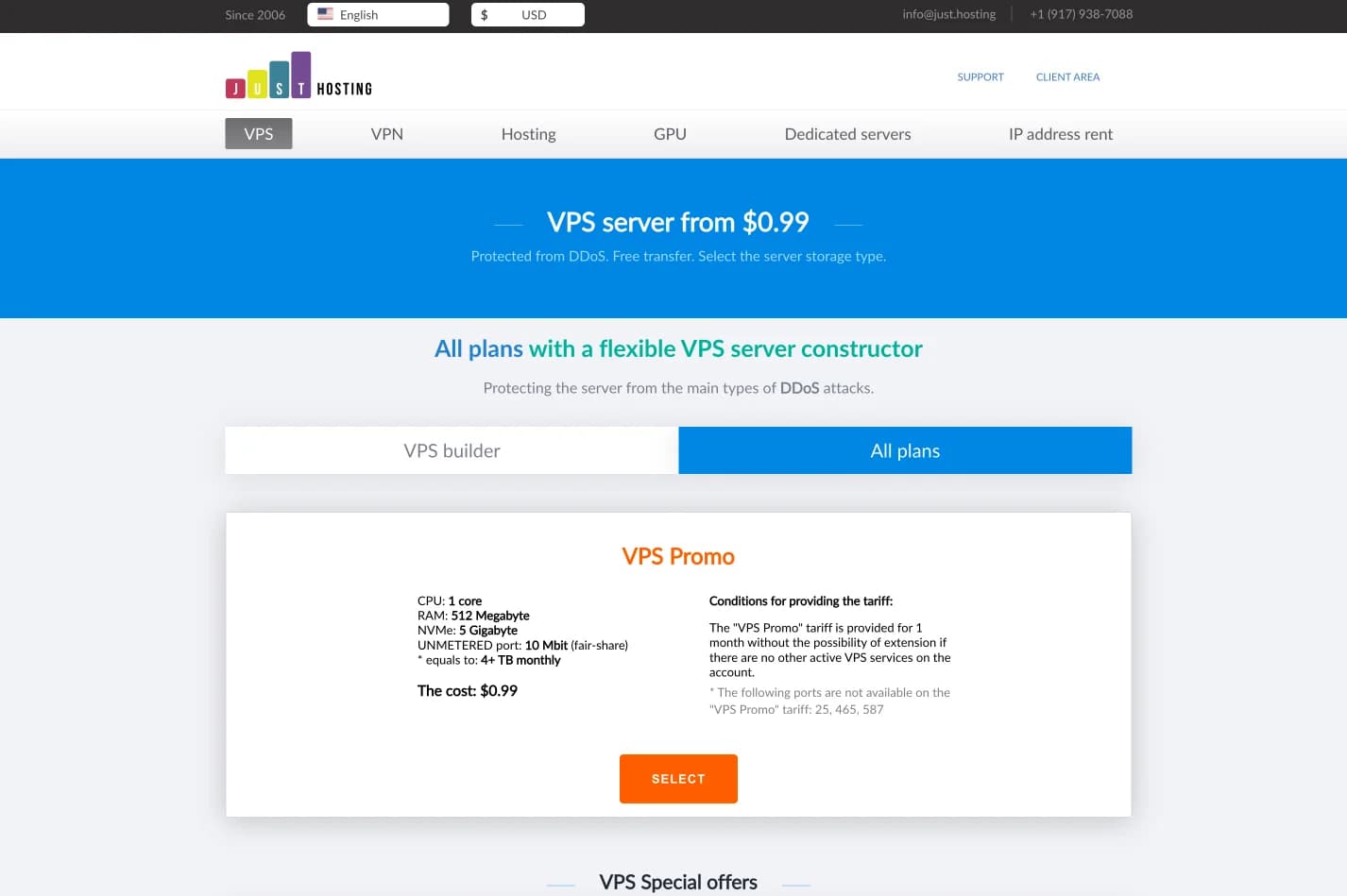
just.hosting: Global VPS with 20 Years of Experience
International VPS provider serving 329,000+ clients in 40 countries with a focus on flexibility, performance and competitive pricing

How to Create a Web Application Without Coding for Online Business
Complete tutorial on how to create a web application without coding for online business, starting from planning, creating, and putting the application online.

Hostinger: Global Infrastructure, Local Touch
The hosting platform that serves 5 million users in 150+ countries is now present with full commitment to the Indonesian market.

Cloudways Review
A complete review of Cloudways, a popular managed cloud hosting platform, discussing its advantages and disadvantages as well as how it compares to other providers. Suitable for beginners to developers.
How to Migrate WordPress to Kinsta Manually
Complete guide on how to migrate a WordPress website to Kinsta safely and without downtime. Learn three migration methods: Kinsta's free service, the Migrate Guru plugin, and the manual way.
Reseller Hosting vs Hosting Affiliate Programs: Which is More Profitable?
Compare the reseller hosting business model (cPanel/WHM) vs hosting affiliate programs in terms of margins, operations, risks and traffic requirements. Choose the monetization scheme that suits you best.

RunCloud Review
Complete review of RunCloud, a cloud panel for managing Cloud VPS. Learn about RunCloud's features, performance, price, advantages and disadvantages to help you decide.

Website Maintenance Costs + Case Examples
Complete details of website maintenance costs from the smallest to the largest scale, including DIY options, hiring a developer, and a professional agency, as well as real case examples.