3 Best Uptime Monitoring Services
Review and comparison of the 3 best uptime monitoring services. Find free and paid website monitoring tools with full features to ensure your website is always online.
Almost all web hosting Indonesia claim to provide uptime guarantees ranging from 99.90% to 100%.
For example: Rumahweb guarantees 99.90% uptime, IdCloudHost 99.99%, Niagahoster 99.98% and even Dewaweb 100%.
Based on the 2020 uptime case study, in fact only 4 of the 19 Indonesian hosting providers we reviewed had an average uptime of more than 99.90%.
That means 78% of providers cannot keep the promises of their self-claimed uptime guarantees.
Have you ever known when your website is down (inaccessible)?
Or does the hosting provider notify you when your website is down?
Unfortunately no. It is not their responsibility.
If you never know or even care about your website server uptime, that could be the reason why your sales are decreasing from month to month.
For example, Amazon.com loses $66,240 per minute when their website is down.
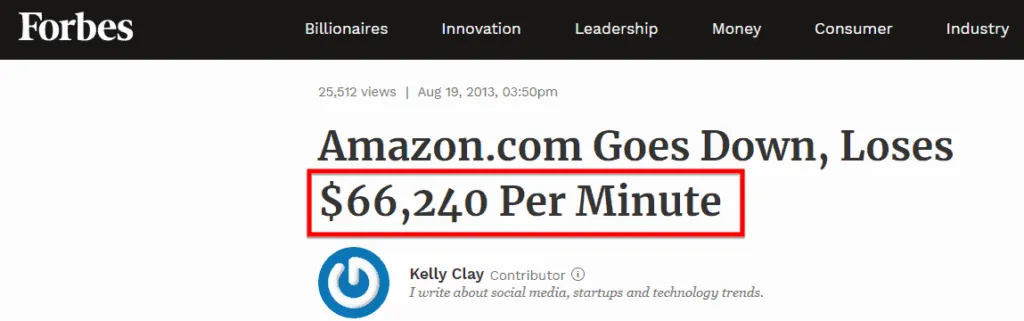
Source: Forbes
But you don't need to worry, I have the solution for you.
This is where website monitoring services come into play.
With website monitoring services, you can find out when your website is down and can also see where the weak points are on your website, so that you can finally make improvements.
Choosing web hosting that has been proven to have good average uptime is a wise decision.
But downtime is not only caused by errors on the server side, but may be:
- Your website is attacked by hackers,
- There is wrong coding,
- Database error,
- Corrupted scripts, etc
All of which can cause the website to become error/blank/down.
And a monitoring service will notify you via email, WhatsApp, telegram, etc.. or SMS when something bad happens to your website in a matter of seconds (instant downtime alerts), so you can quickly make repairs.
Very useful, right?
I have tried dozens of website monitoring services before writing this article, and here I will recommend the 3 best free and paid website monitoring services according to the short research I conducted.
Best Website Monitoring Service in 2024
In this 2024 update, I only recommend the best uptime monitoring tools based on tests I have carried out previously.
1. Cronitor
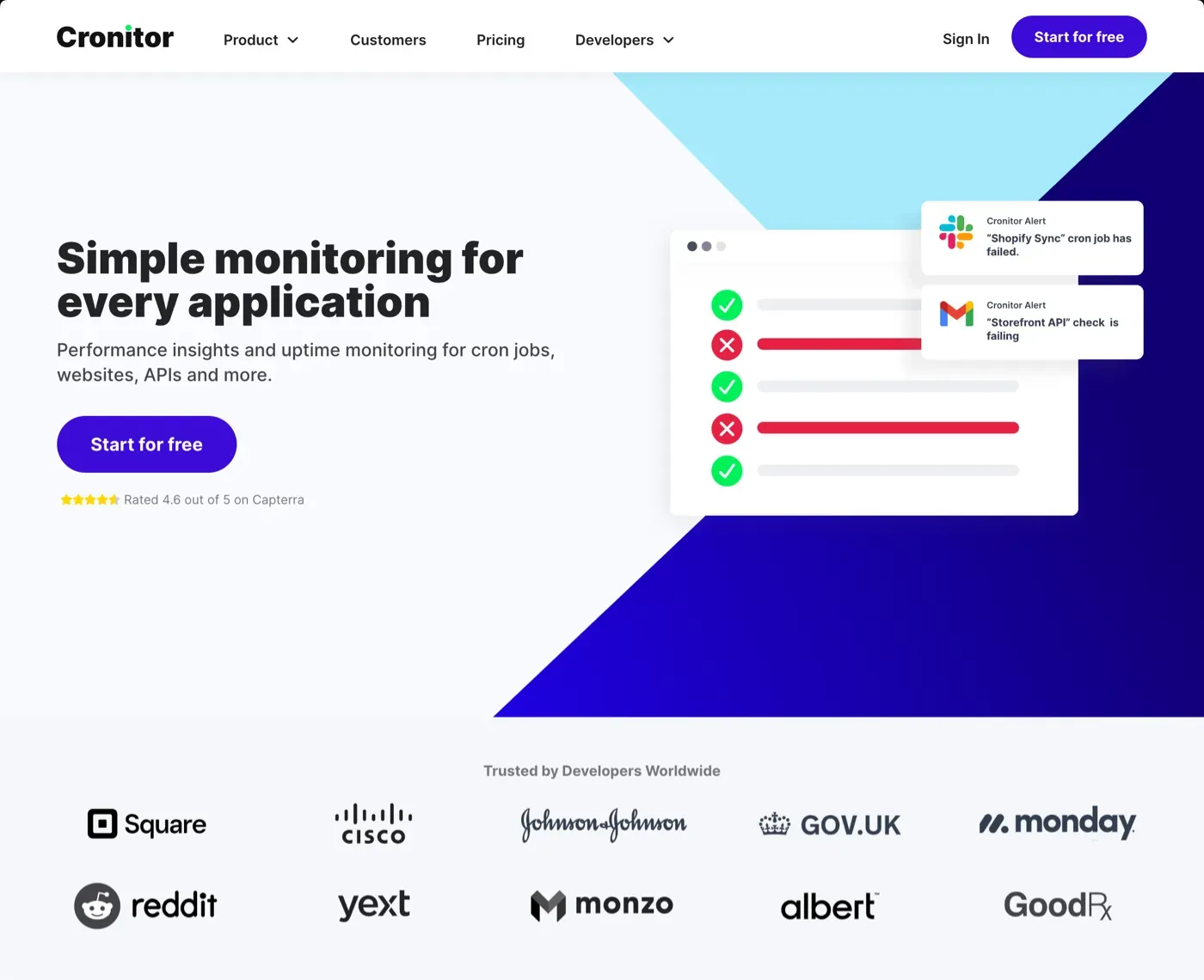
Cost: Free (For 5 monitoring websites at 60 second intervals) Premium Plans: Starts at $2/month per monitorThe UI is beautiful, modern and intuitive.
I was quite impressed when I first discovered Cronitor.
They were founded in 2014 and now have two monitoring functions where you can not only monitor your website uptime, but also have cron job / heartbeats monitoring.
In the free version, you will get 5 monitoring (uptime/cron job/heartbeat) with intervals starting from 60 seconds and alerts via email and slack.
The website will be monitored according to the interval you specify.
For example, an interval of 1 minute, then your website will be monitored every 1 minute. If 5 minutes is selected, it will be monitored every 5 minutes.
The fewer intervals the better.
I recommend an interval of 1 minute, because often the website is down in just 1 or 2 minutes, and if it is monitored every 5 minutes, then you most likely won't know.
If you need more features such as longer data logs, support, multi-user access, and daily/weekly/monthly reporting, you need to upgrade to the premium package.
Premium package price:
- Starting from $2/month for 1 website monitoring
- And $5 for 1 user
This means that the monthly cost for 1 monitoring website is $7.
Test results and reviewAmong all the free uptime monitoring tools I've used,
Cronitor is one of the most accurate at detecting incidents. No false positives were reported.
Then, it has the most features and the UI is also beautiful plus the UX really pampers users. If we look at it from this side, it is clear that they are really serious about making the perfect monitoring tool.
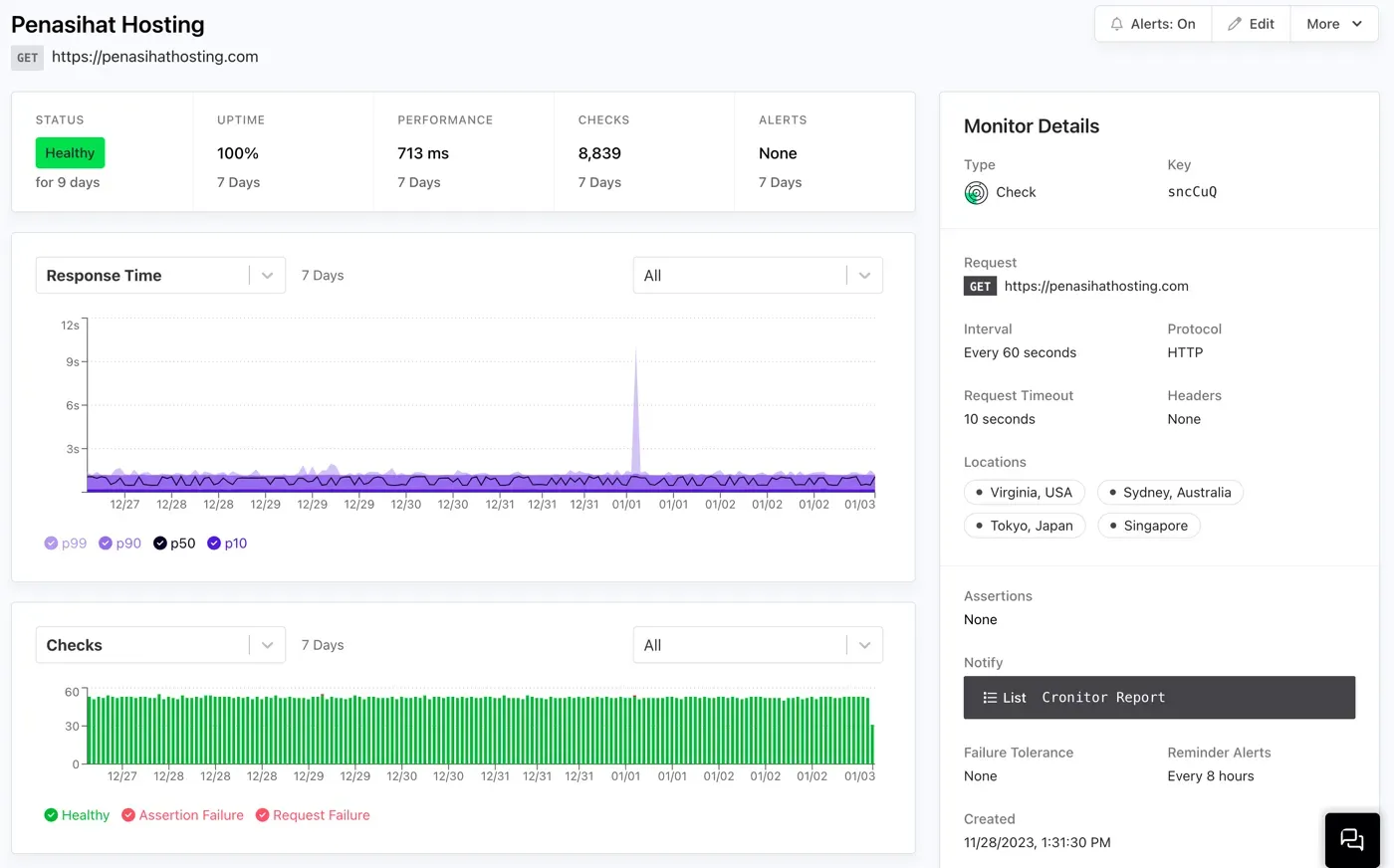
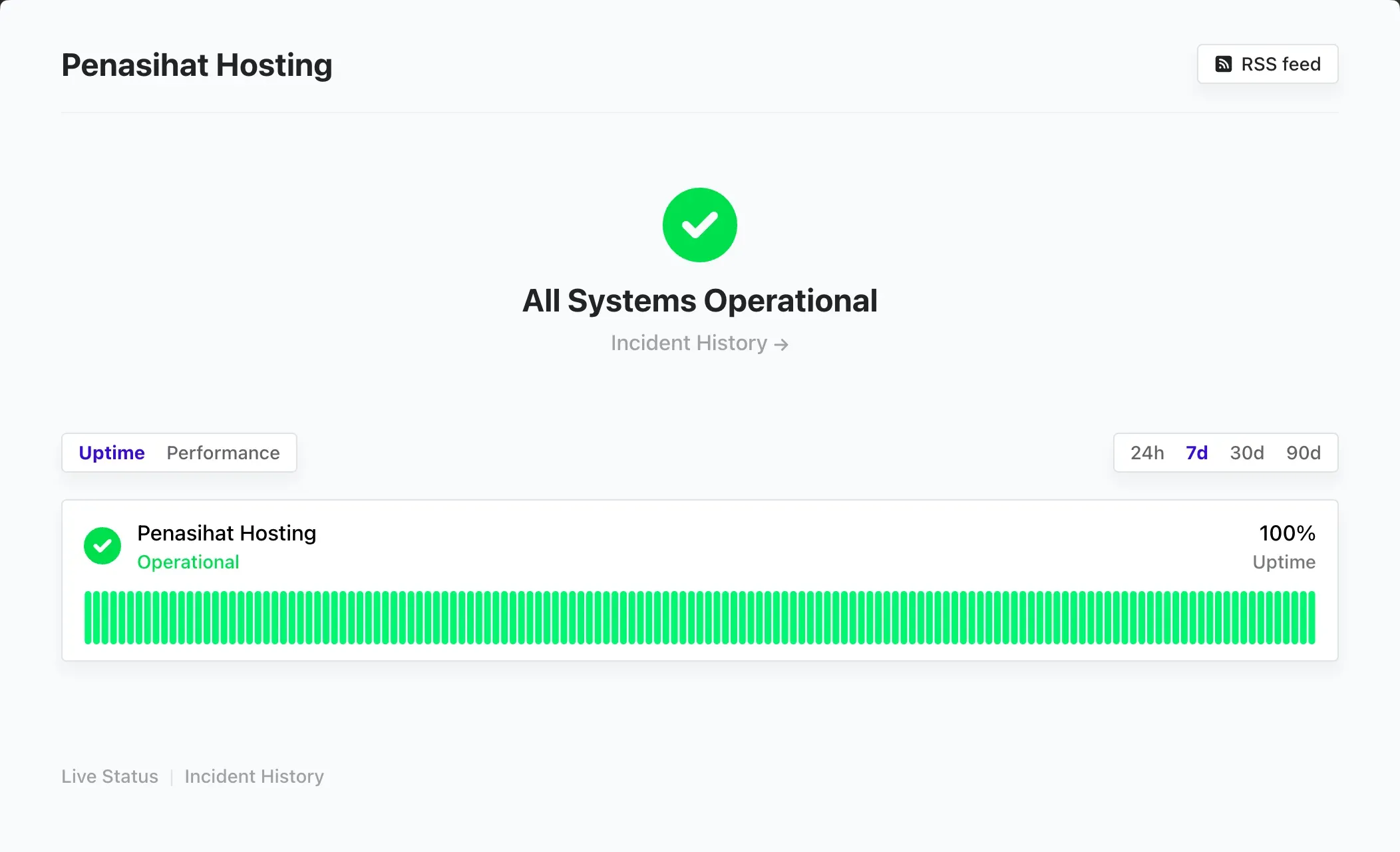
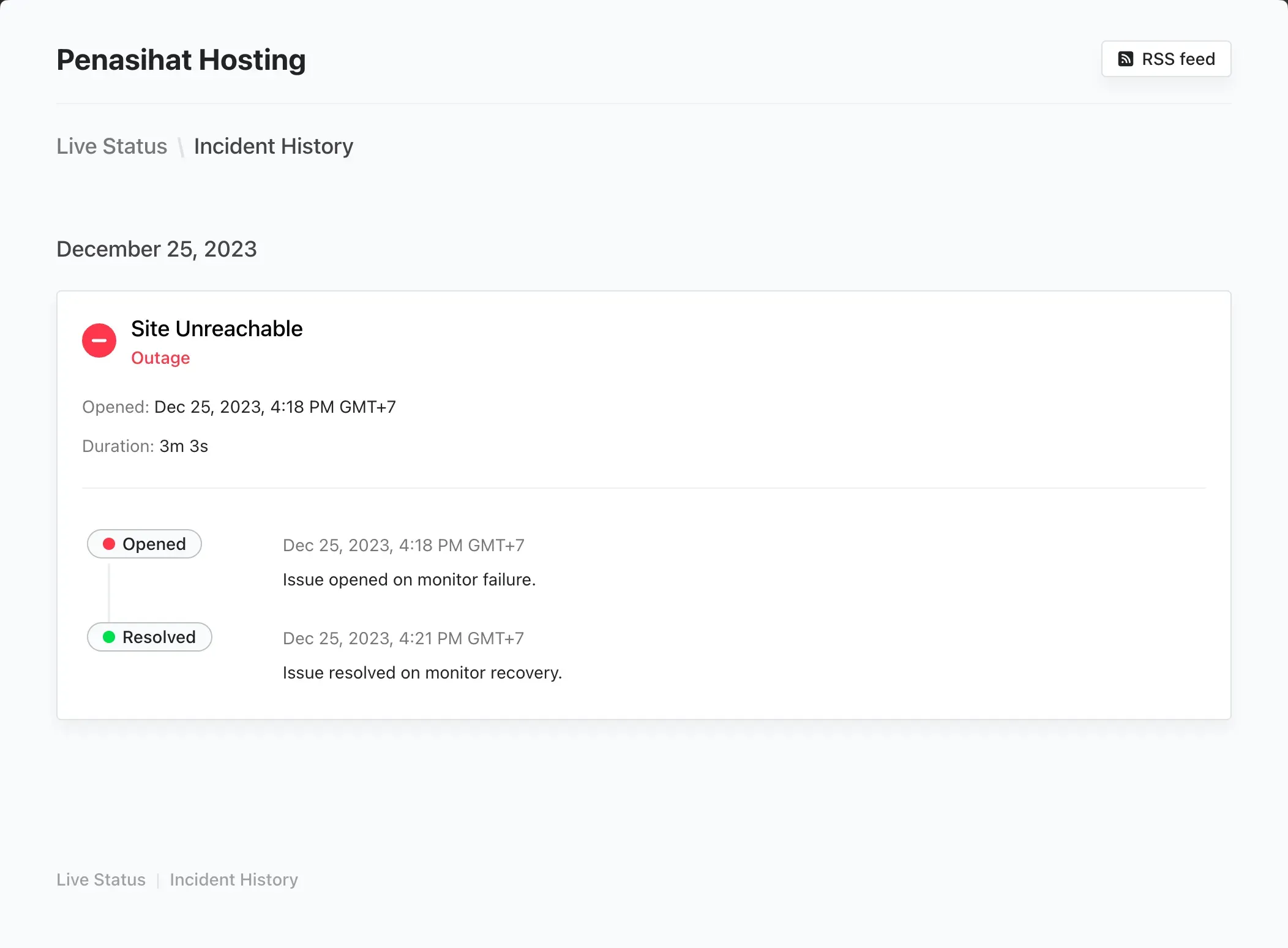
Not only that, the status page they built also looks beautiful and there is a live status report for incidents (my favorite feature).
What are the other advantages of Cronitor?
- If an incident occurs, your website will be checked/examined up to 3x to ensure that your website is truly down/problematic
- There is no difference between the free and premium versions for the servers or regions that will be used as server checks. You can even choose the Singapore server in the free version.
- Inspection interval starts from 60 seconds and request timeout starts from 10 seconds to 30 seconds
- Includes SSL monitoring
- There is a real user monitoring feature where you can monitor traffic like in Google Analytics but with minimalist reports, as well as monitoring errors and load time (performance).
Everything I mentioned is available on the free plan. So what are the advantages of the premium package?
- Unlimited API requests
- 8+ Alert integrations
- 12 Month data retention
- Daily, weekly & monthly reports
- Multiple environments
- Multi-user access controls
- Email and chat support
Disadvantages of Cronitor:
- Mereka menghitung biaya per monitor dan per user, jika Anda berencana memonitoring banyak website atua jobs, maka biayanya akan lebih mahal.
If you only want to monitor website uptime, no more than 5 monitoring, then Cronitor is one of the best choices you need to consider, considering that they even provide a check interval every 60 seconds.
I highly recommend it.
2. Better Stack (Uptime)
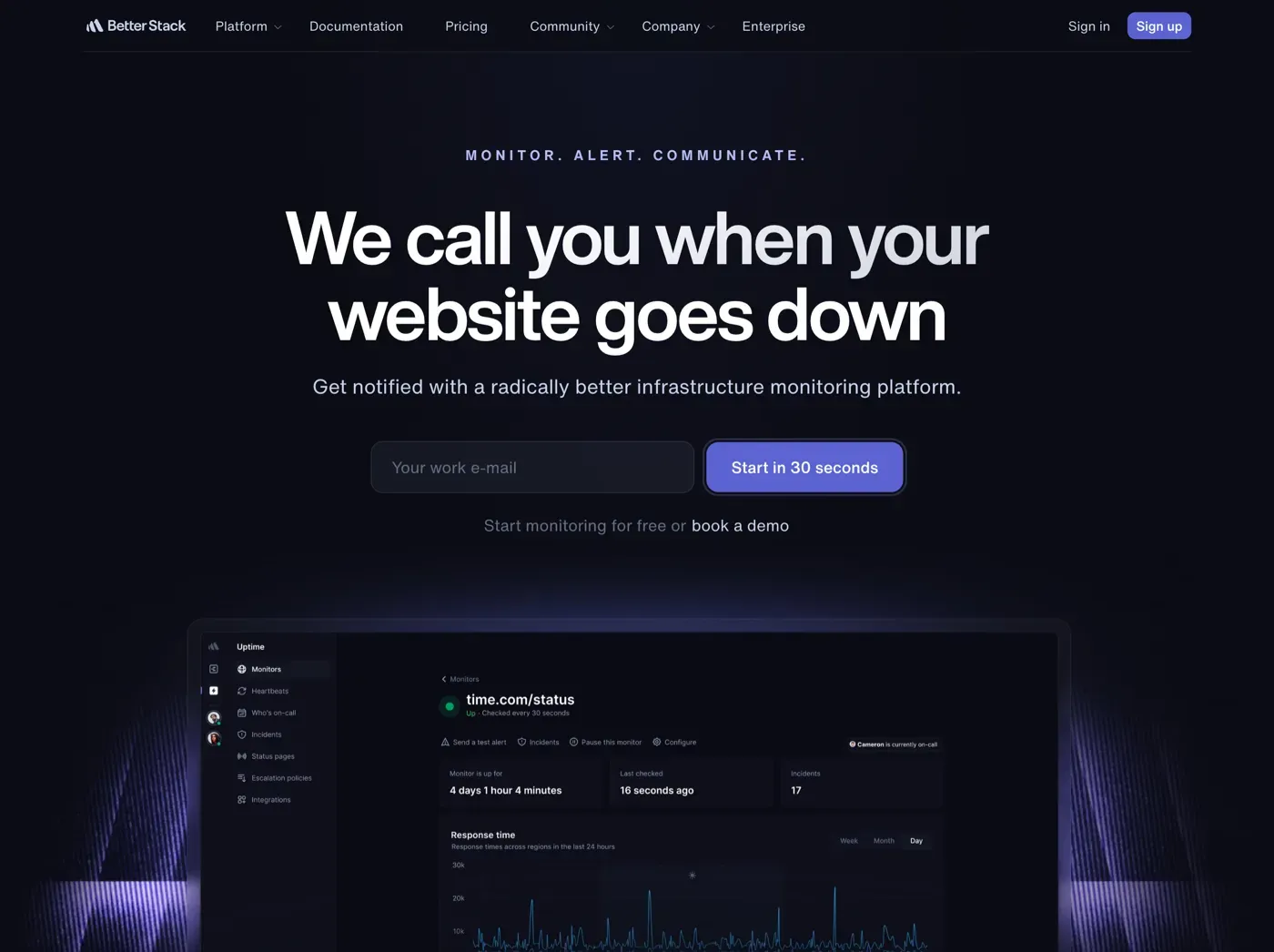
Cost: Free (For 10 monitoring websites at 3 minute intervals) Premium Plan: Starts at $25/month (Starts at 50 monitors, 30 second intervals, and 5 status pages)
Better Stack (Uptime) atau sebelumnya BetterUptime, adalah alat monitoring lainnya yang saya sukai.
UI/UX nya bagus, dan jika Anda menyukai dashboard yang ada tampilan dark mode nya, maka saya yakin Anda akan menyukai BetterStack (Uptime) ini.
BetterStack ini memiliki fitur-fitur yang mirip dengan Cronitor. Anda akan menjumpai fitur monitor uptime tentu saja, kemudian hearbeats, status pages, dan incidents.
In the free version, unfortunately, the minimum check uptime interval is 3 minutes which is a drawback. The best recommendation is to check every 1 minute. However, compared to Cronitor (5 monitoring), in BetterStack you will get free monitoring of up to 10 websites and 5 status pages.
If you need a check interval of 1 minute, and need more monitors, say up to 50 monitors, then you have to upgrade to the premium package, starting from $25/month.
Test results and review
Based on the tests I conducted, BetterStack was the most accurate in detecting incidents on a website.
More accurate than Cronitor.
I actually wanted to put BetterStack in first place because of this factor or advantage, but because the check interval is limited to 3 minutes in the free package, this made me put it in 2nd place which I recommend.
My website, Harun Studio or Hosting Advisor, both on the same VPS server, experienced two incidents, the first on December 19 for 2 minutes, the second on December 25 for 3 minutes. BetterStack reported both incidents well, while Cronitor only reported one incident on December 25th.
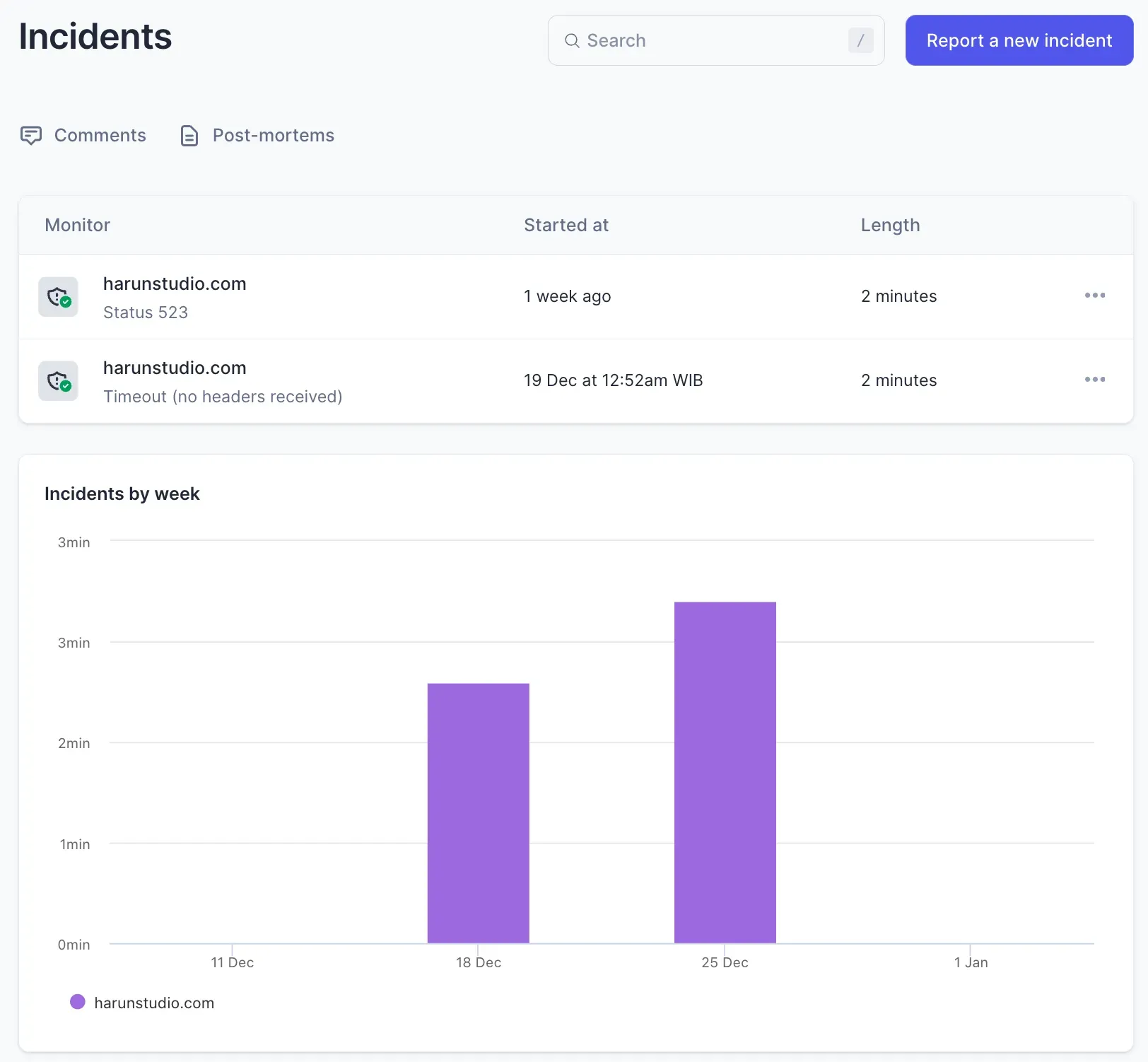
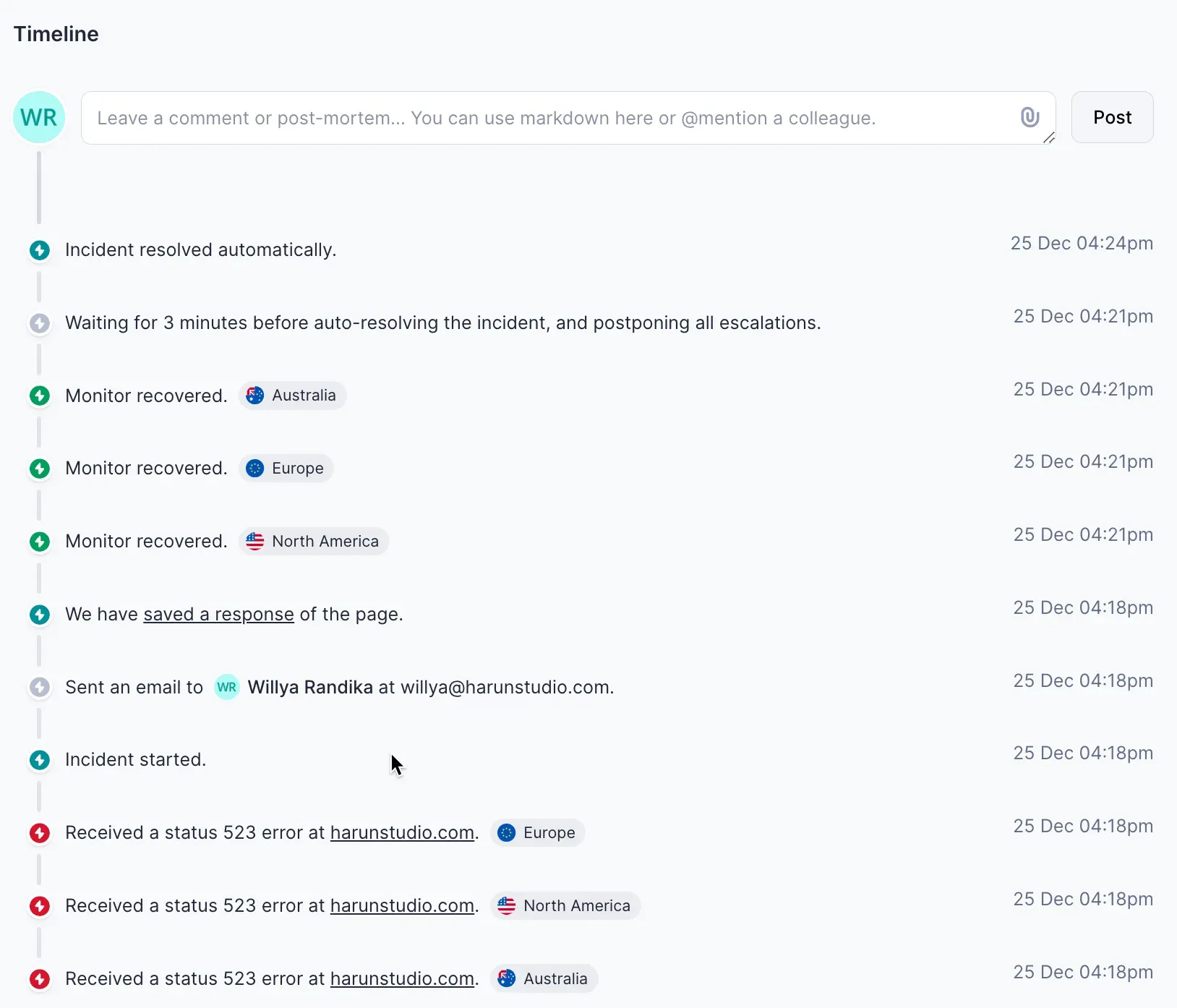 Then, as you can see in the screenshot, BetterStack's UI and UX are also beautiful and intuitive. The graphics are beautiful and I feel the information is prioritized on the uptime check page, such as:
- Currently up for
- Last checked at
- Incidents
- Daily average uptime tables, in the last 7 days, last 30 days, and last 365 days, are very important
It is the fruit of those who have conducted many surveys or research or often heard feedback from their customers.

Other advantages of Better
Stack:
- They are better at explaining incidents. The information presented is more than Cronitor.
- Includes SSL monitoring
- If an incident occurs, your website will be checked up to 3 times to ensure that your website is truly inaccessible or experiencing problems
- There is no difference between the free and premium versions for the servers or regions that will be used as server checks. You can choose servers from all existing regions.
- You can customize the status page more, such as uploading a logo, changing the name of the sub domain, even changing the URL of the status page to your own domain, such as: statuspage.penasihathosting.com, to custom CSS and sharing announcements.
I think BetterStack provides a lot on the free plan, except for the check interval which is limited to only 3 minutes on the free plan. That's the only drawback.
If you don't have a problem with checking intervals every 3 minutes, I recommend BetterStack over Cronitor.
3. Uptimia (Paid)
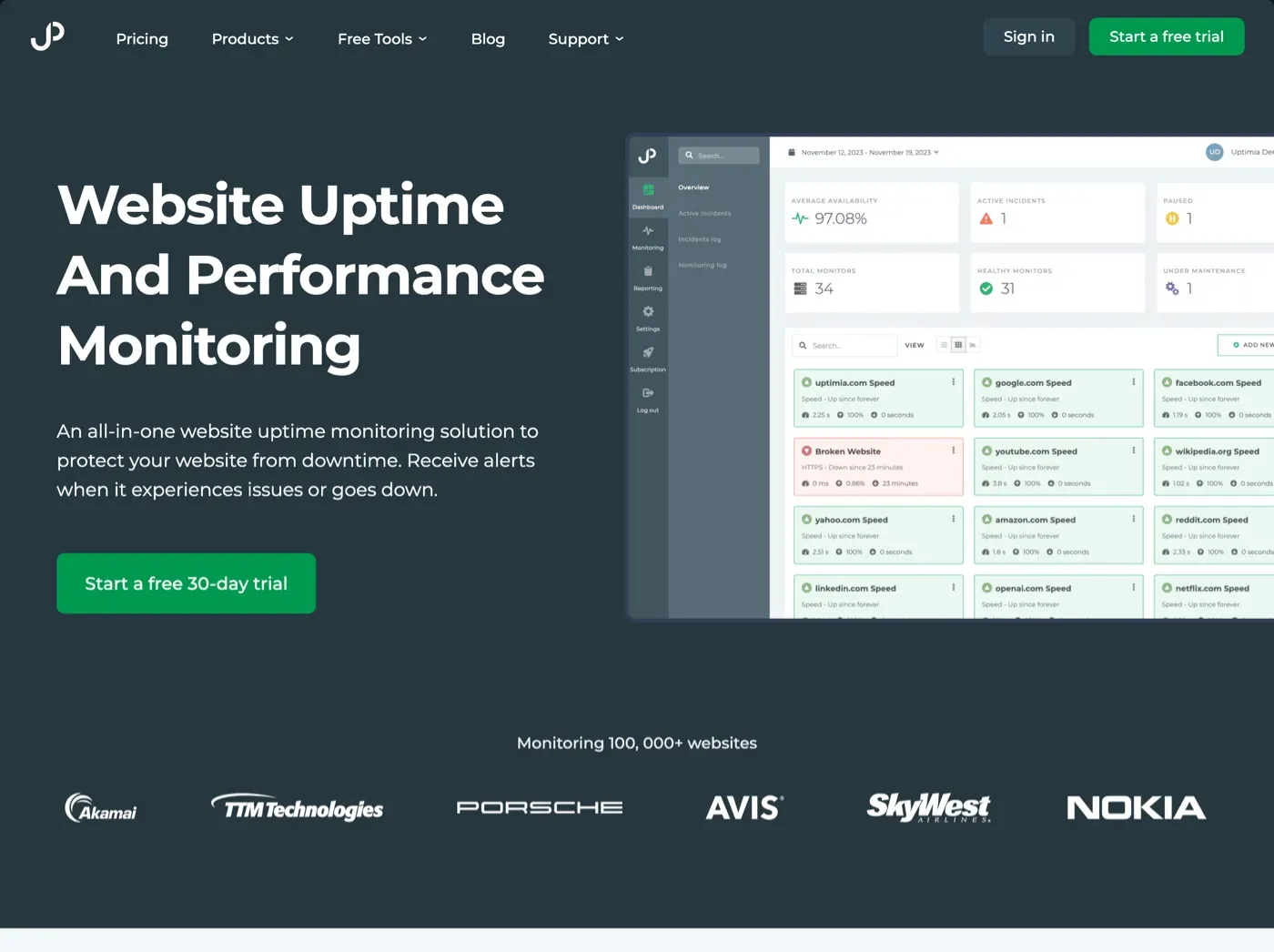
Premium Plan: Starts at $9/month (Starts from 10 monitors, 1 minute intervals, and 5 status pages)
Uptimia is a premium uptime monitoring service. They don't have a free plan and their subscription plans start at $9/month.
In my opinion, the “Starter” package is not worth it, you can create two accounts, one on Cronitor and one on BetterStack and that is enough to beat Uptimia's “Starter” package.
But, what are the advantages of Uptimia compared to the two tools I mentioned earlier? In fact, I use Uptimia in Hosting Advisor research and for monitoring all my clients' websites at Harun Studio.
The main advantages that the two previous competitors do not have are:
- Uptimia has 171 servers (including the Jakarta server) spread throughout the world. Maybe one of three monitoring tools (the others are Site24x7 and Uptrends) that provides a Jakarta server.
- They have features that their two competitors don't have, namely Advanced speed monitoring, website transaction monitoring, and virus monitoring.
- They already have downtime notifications / alerts via WhatsApp. Yes, this is my favorite feature.
- Most importantly, the downtime/incident findings are very accurate. As far as I remember, I never had a false positive while using Uptimia.
- Caring support service. I once complained when they decided to stop operations on the Jakarta server. However, a week or two later, they opened a new server in Jakarta using Alibaba Cloud and sent me an email apologizing and information about this. Until now, their server in Jakarta is still operating normally.
Disadvantages of Uptimia include:
- Unattractive UI
- The status page design is also unattractive and has very minimal functionality and customization
- There is no free version

Visit Uptimia.com (affiliate link)
Conclusion
In this 2024 article update, I only listed my version of the 3 best monitoring tools, why?
I've actually researched other options too, such as:
- Uptime-monitor.io
- Pulsetic *StatusCake
- Hyperping
- UptimeRobot
But why don't I recommend it? The answer is not far from the following two:
- The free version only offers a minimum check uptime interval of 5 minutes (not 1 or 3 minutes like Cronitor and BetterStack Uptime)
- In my testing it was not accurate. Why? Downtime often only occurs within a few minutes or less than 5 minutes. Therefore, if you choose a monitoring tool and check your website every 5 minutes, there is a possibility that incidents on your website will not be recorded because they have been missed.
So, choosing a free monitoring tool that provides a check interval every 1 minute or a maximum of every 3 minutes is the most crucial factor.
Unless you are serious about subscribing to a premium or paid package for this monitoring tool, my choice will still not be far from the 3 I mentioned above.

Willya Randika
Hi, saya Randika, seorang Web Developer yang spesialis di WordPress, Astro, dan Next.js. Sejak 2015, saya telah membantu ratusan bisnis dan profesional membangun website yang tidak hanya cepat dan aman, tapi juga mudah ditemukan di Google dan efektif mengkonversi pengunjung menjadi pelanggan.
Related Articles

13 Tips for Choosing the Right Hosting
Confused about finding the best hosting? Discover 13 important tips about performance, price, reputation, and support to choose the right web hosting provider so that your website is optimal.
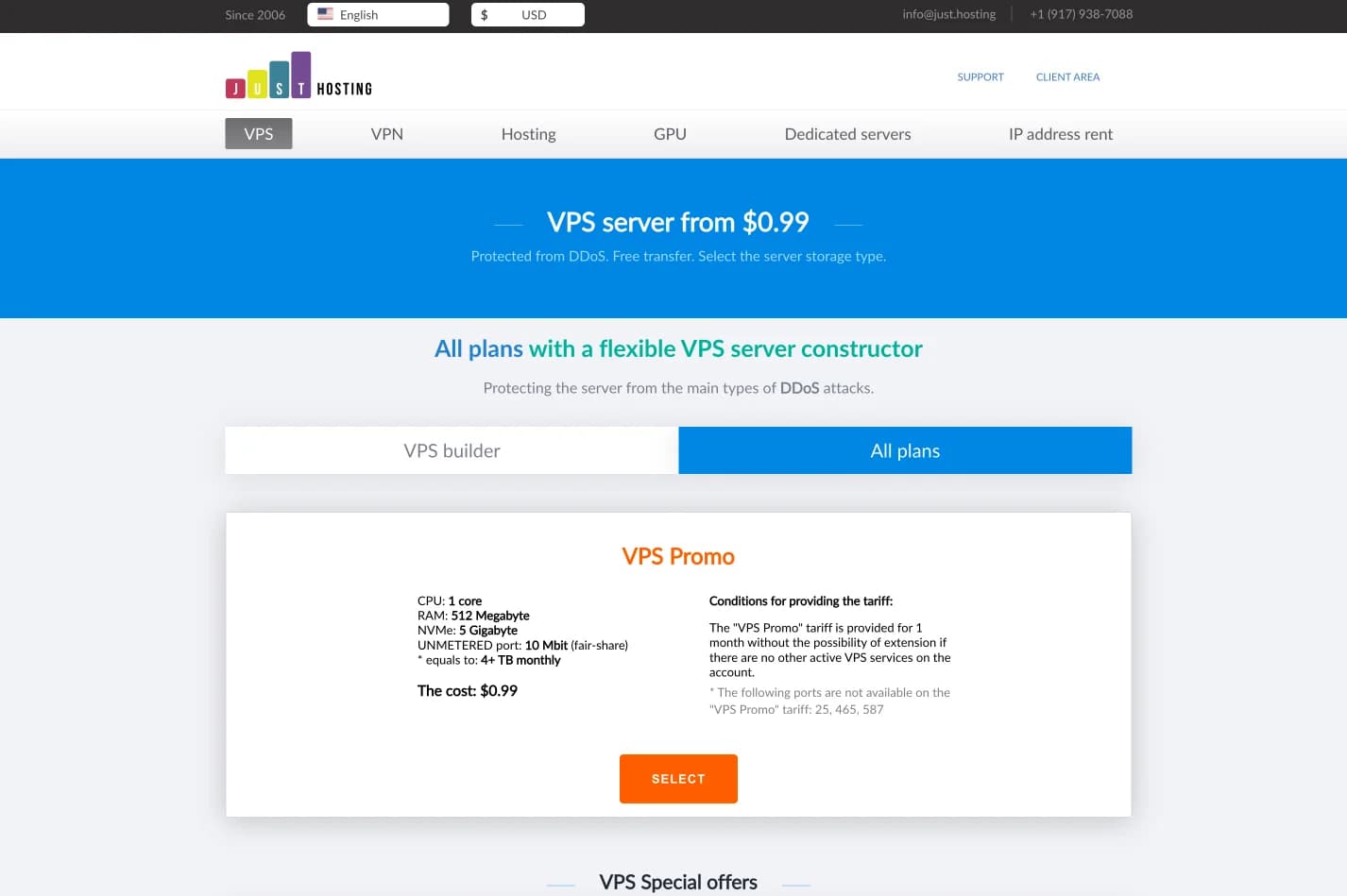
just.hosting: Global VPS with 20 Years of Experience
International VPS provider serving 329,000+ clients in 40 countries with a focus on flexibility, performance and competitive pricing
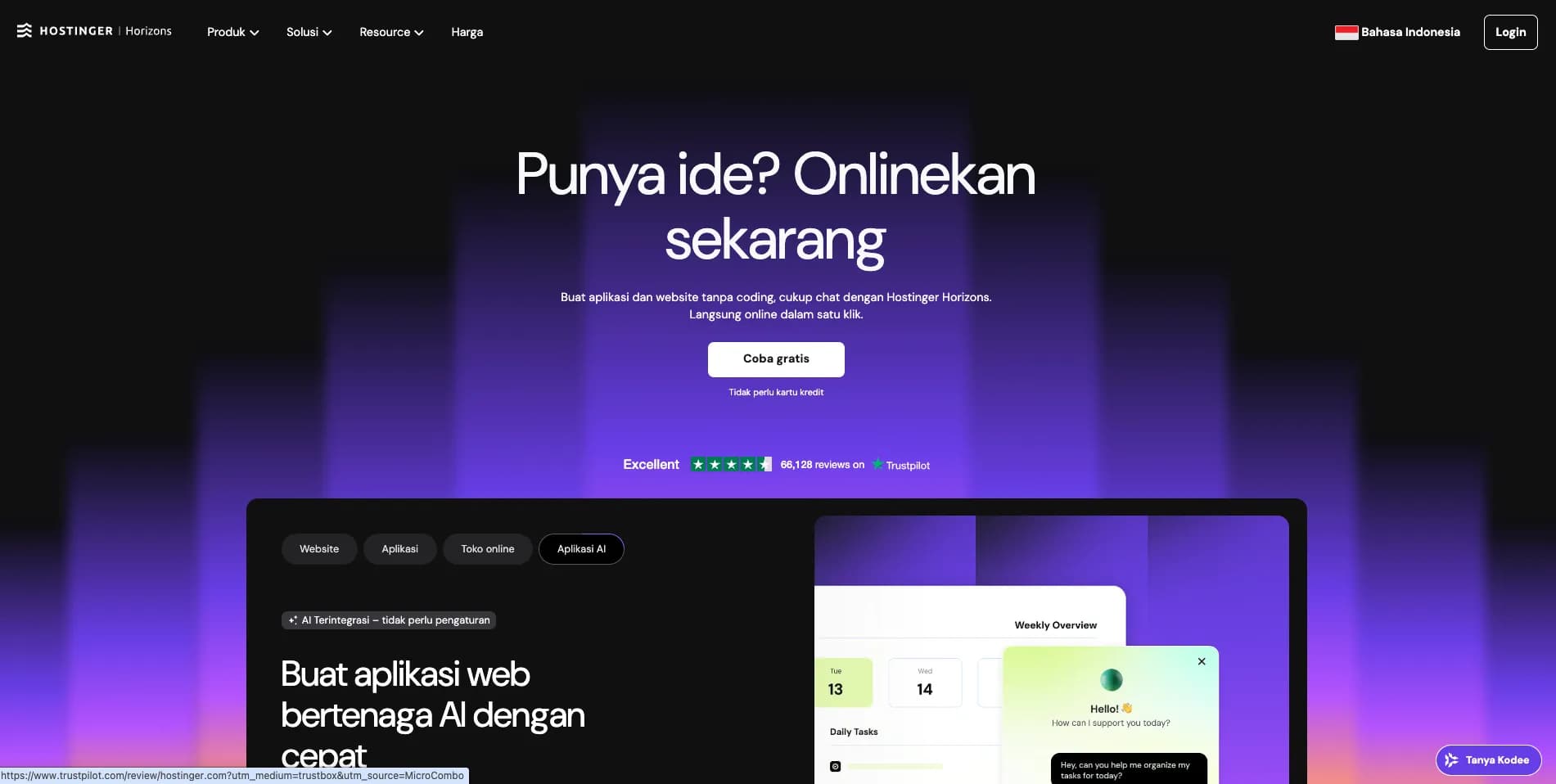
How to Create a Web Application Without Coding for Online Business
Complete tutorial on how to create a web application without coding for online business, starting from planning, creating, and putting the application online.
Hostinger: Global Infrastructure, Local Touch
The hosting platform that serves 5 million users in 150+ countries is now present with full commitment to the Indonesian market.
Cloudways Review
A complete review of Cloudways, a popular managed cloud hosting platform, discussing its advantages and disadvantages as well as how it compares to other providers. Suitable for beginners to developers.
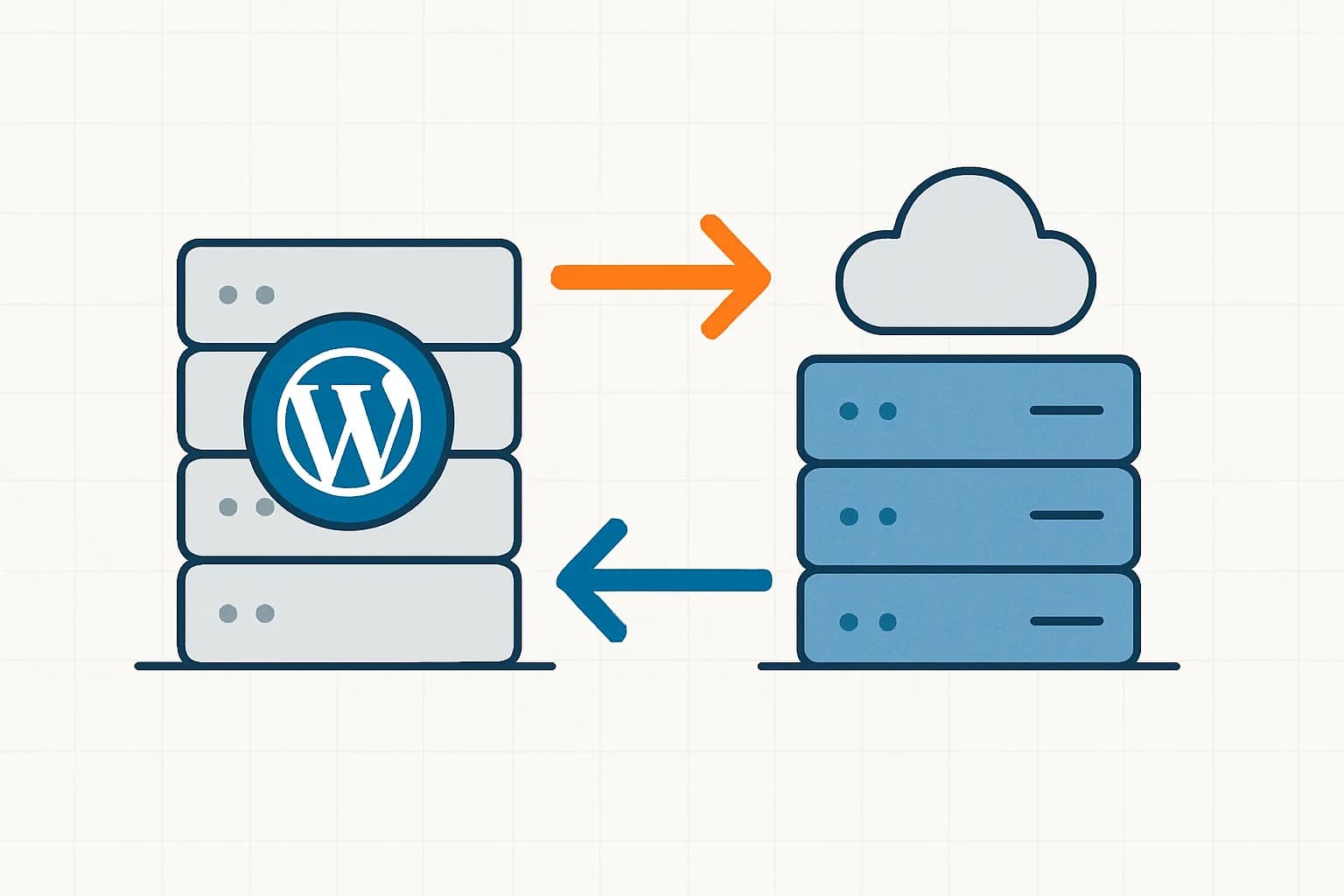
How to Migrate WordPress to Kinsta Manually
Complete guide on how to migrate a WordPress website to Kinsta safely and without downtime. Learn three migration methods: Kinsta's free service, the Migrate Guru plugin, and the manual way.
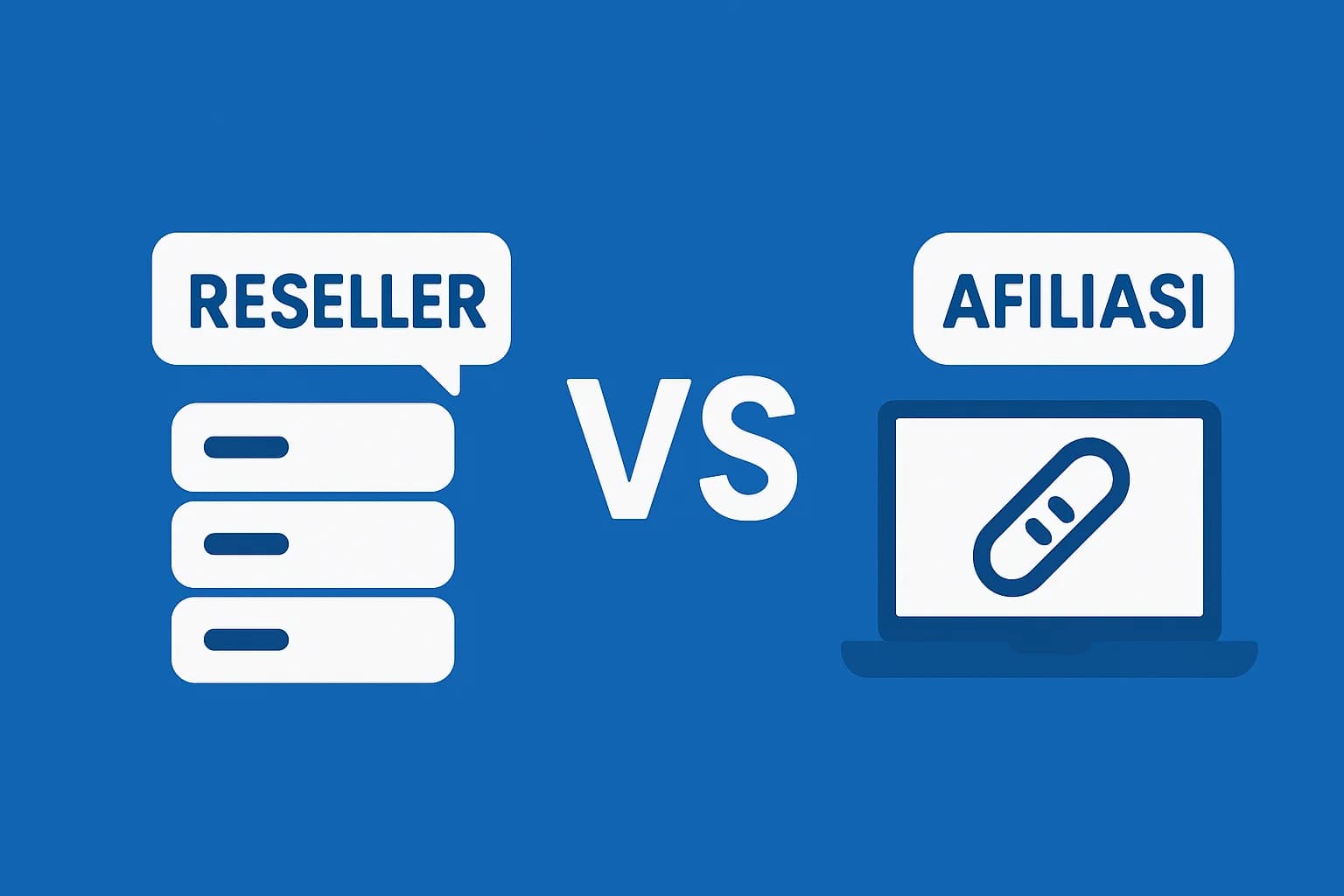
Reseller Hosting vs Hosting Affiliate Programs: Which is More Profitable?
Compare the reseller hosting business model (cPanel/WHM) vs hosting affiliate programs in terms of margins, operations, risks and traffic requirements. Choose the monetization scheme that suits you best.
RunCloud Review
Complete review of RunCloud, a cloud panel for managing Cloud VPS. Learn about RunCloud's features, performance, price, advantages and disadvantages to help you decide.

Website Maintenance Costs + Case Examples
Complete details of website maintenance costs from the smallest to the largest scale, including DIY options, hiring a developer, and a professional agency, as well as real case examples.