How to Create a Web Application Without Coding for Online Business
Complete tutorial on how to create a web application without coding for online business, starting from planning, creating, and putting the application online.
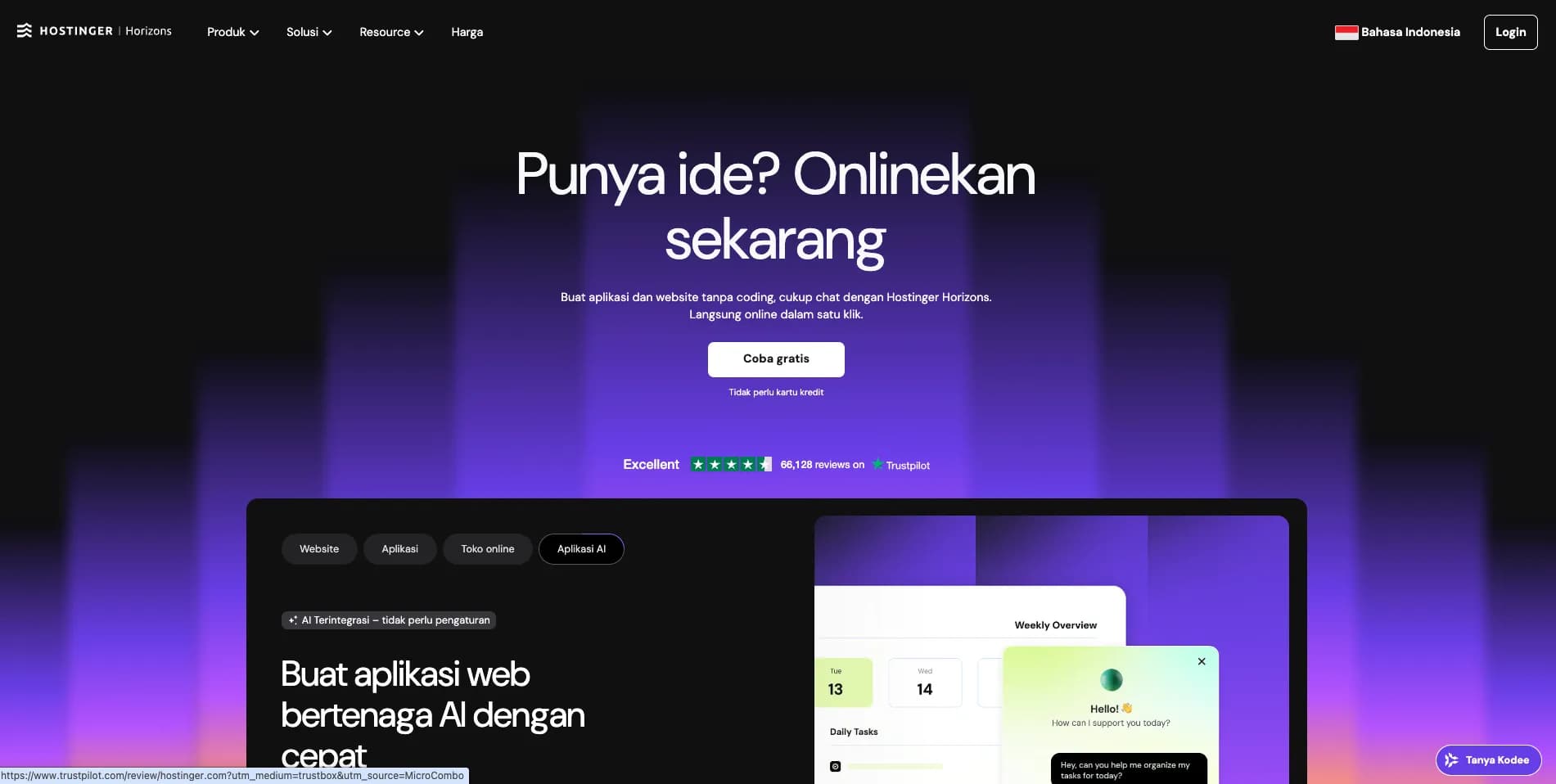
In the past, you had to hire a developer to create a web application. The work itself can take months, and often costs up to millions of rupiah. That doesn't include testing the application whether it is suitable for release or not.
Luckily, that's all in the past. Now anyone can create their own web application without having to write a single piece of code. With an AI technology no-code platform, you only need to explain ideas and concepts in simple language to produce fully functional software.
Creating a web application is simple, not as difficult as you might think. Later it can be used to sell products, automate services, manage clients, and even provide online tools.
The role of web applications in online business
Web applications are not just software that runs in a browser, but also applications that allow users to perform certain activities.
If the website displays information, then the web application invites users to interact. They will log in, submit data, make purchases, monitor progress, and even manage tasks.
Some examples are like this:
- Freelance designers create a special client portal, so they can review mockups and approve the design results.
- Photographers create a booking system, so clients can choose schedules and packages, and pay a deposit online.
- Fitness trainer creates a membership platform and offers workout plans and private forums for a subscription fee of IDR 500,000 per month.
- Small brands create internal dashboards to monitor daily orders and stock, so they no longer have to check spreadsheets back and forth.
Simply put, websites become funnels for business information, while web applications allow people to take advantage of businesses.
When should you use a web application instead of a website
It's true that not all online businesses need web applications. Moreover, a portfolio, blog or landing page is more than enough to display information. However, sometimes you need something more interactive:
User account. Users can log in, save preferences, and even access customized content. For example, a tutoring platform where students can see the schedule of upcoming meetings and previous material.Automatic process. For example, you are a photographer who wants to automate all processes from appointments, invoices, to order tracking. Well, a special web application for booking could be a solution because all the complicated things will definitely be sorted out.Online tools or services. If many visitors come to your website to calculate, track, or manage something rather than just read content, that means you need a web application. For example, you can create a calorie tracker, a board for project management, or a tool for creating price offers (quote generator).
So, if your idea requires users to perform an action, such as reservation, purchase, tracking, or shipping, that's a sign that you need a web application.
Understanding and importance of no-code platforms for business
The no-code platform is an AI-based visual builder for creating software without programming. So, you only need to explain the ideas and concepts you want in everyday language, then wait for the platform to produce the application.
Hostinger Horizons is an example of a no-code platform that is able to turn ideas into ready-to-use products.
In online business, time and costs are very important. Don't waste too much money and time until it fails. With a no-code platform, you can immediately create and test your own applications without having to hire a developer. In fact, the application can be online in a matter of days.
The idea validation process becomes faster. From what used to be six months, now it only takes a week to test whether your idea is popular or not.
Advantages of creating web applications without coding
Apart from being faster and more cost effective, the no-code platform seems to invite you to be more involved in long-term product management.
Fast is not only about creating and putting applications online in an instant way, but also quickly knowing things that might be useful for application development.
Apart from the cost being cheaper, the risk factor is also lower. For example, if the experiment fails, you just "wasted" a week's time and a super small subscription fee, not IDR 25,000,000 for three months. That means, you are free to try various ideas until you find the most suitable one.
Flexible because you can respond directly to user feedback. For example, they are confused by the checkout process. Right away, the issue can be fixed immediately without having to wait for the developer, let alone weeks.Control is often something that is forgotten. Even though this is important, because you have to understand the ins and outs of the software being created. If you create your own web app, you will no longer have to rely on a third party to make changes.
How to create a web application for online business (complete guide)
First of all, you must understand the problem and the solutions that will be offered through the application. After that, ask the no-code app builder to build it from scratch.
In this tutorial, we will give the example of a photographer who wants to create a web application so that his clients can reserve schedules and pay deposits, without having to email repeatedly. Here are the steps:
1. Determine a business idea
There are three things you need to pay attention to before starting to create a web application.
What problem do you want to solve? The photographer has to email clients back and forth for hours every week to confirm schedules, explain package info, and collect deposit payments. The booking process is manual, long, and frustrating for both parties.
Who is your target? The photographer targets engaged couples, families and small businesses. He wants them to be able to order his services more easily and quickly.
What is the main action the user must take? The photographer wants his clients to be able to reserve schedules and pay deposits.
Try filling in this sentence: "This application will be used by [target users] for [main action], so they no longer need [main constraint at this time]."
If the photographer fills it in like this: "This application will be used by clients to reserve photo schedules and pay deposits, so they no longer need to send emails repeatedly."
2. Plan core features
For the initial version, we recommend creating the features that are really needed first. For photographers, the features that will be added are a calendar to display schedule availability information, package options (portrait, event and commercial photos) along with prices, a checkout flow for a 50% deposit via Stripe, and a confirmation page containing schedule details.
From the photographer's list of features, what do you think is missing? Of course, there is no login portal for clients, no gallery for uploading photos, and there is not even a system that makes it easy for clients to write reviews. This is the biggest mistake beginners make. They want to make a complete application, even though there are no users at all.
Instead, create a simple, useful application, then develop it according to user input.
Our tip, write down all the features you want, then review them one by one. This way, you can know which features will encourage users to take the main action and which will not.
3. Design a simple user interaction flow
The flow of user interaction, or in cool language, user flow, is the flow that a user goes through from entering the application to reaching their goal.
For photographer apps, the flow goes like this: clients go to the homepage, click “Reserve a schedule,” select an available date on the calendar, select a package, enter contact info, and view a confirmation page. Just six lines are enough.
If the flow is longer, it is likely that the user will immediately exit the application. For example, the photographer requires the client to create an account first. Because according to some clients this process is complicated, they will not hesitate to leave right away. So, make sure the main action is short and clear.
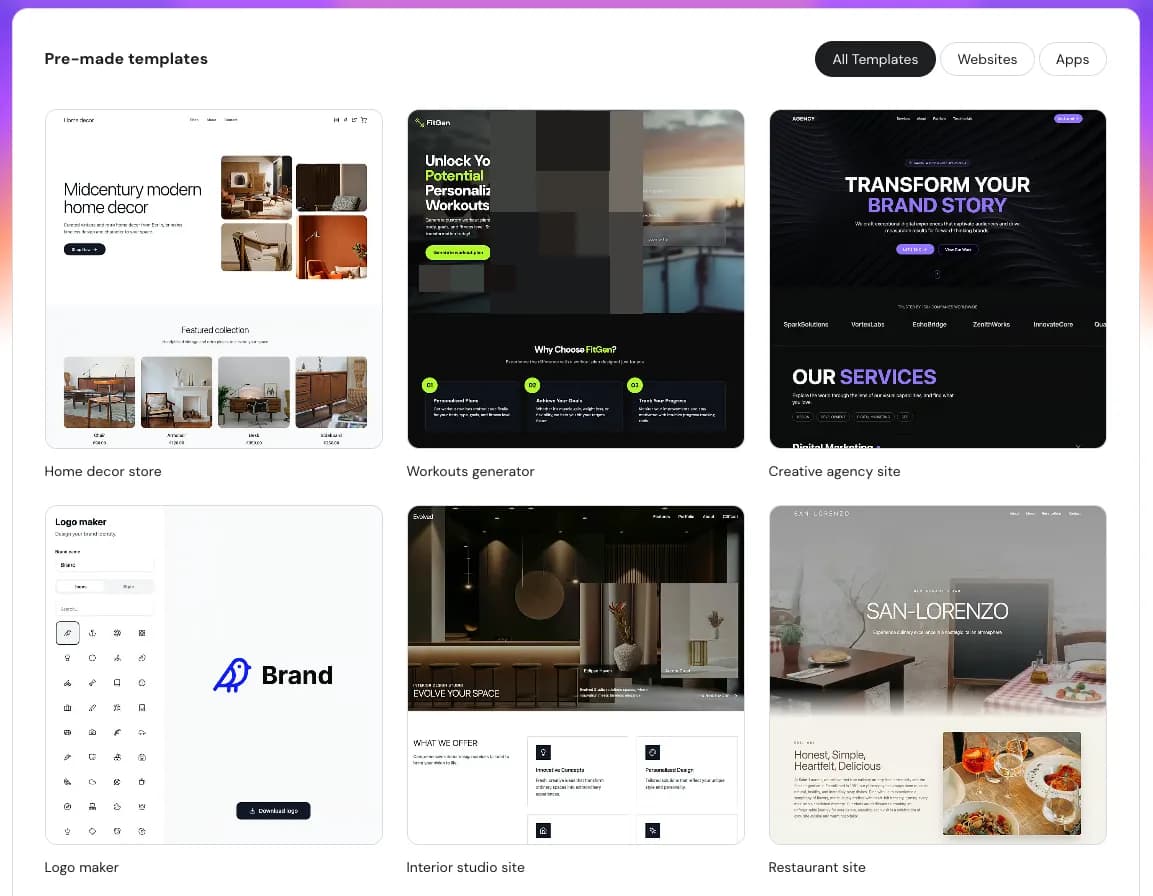
Most no-code platforms already provide templates with general patterns, for example for reservations and checkout. You can use this as an initial design, which can then be adjusted according to your needs.
4. Create web applications with tools without coding
So, if the ideas and features have been designed, the next step is to create a web application. We will use a vibe-coding approach. This means that you simply explain the ideas and concepts you want using your own words, then wait until the AI produces a complete web application.
The quality of your app depends on how well you describe your idea. That's why creating effective prompts is important.
The photographer doesn't make a prompt, for example "Please make a booking application", but he will make a prompt like this:
"Create a web booking application for freelance photographers. I want clients to be able to see a calendar with available schedules, to be able to choose from three available packages and their prices, and to be able to pay a 50% deposit via Stripe. The appearance of the website must be modern and minimalist, and the background is dark to display the photos."
The clearer and more complete the context of the idea you provide, the better the results will be.
Hostinger Horizons is the best solution for creating applications using prompts. All you need to do is explain the idea and concept of the application. After that, AI will immediately create it from front-end design to back-end logic. 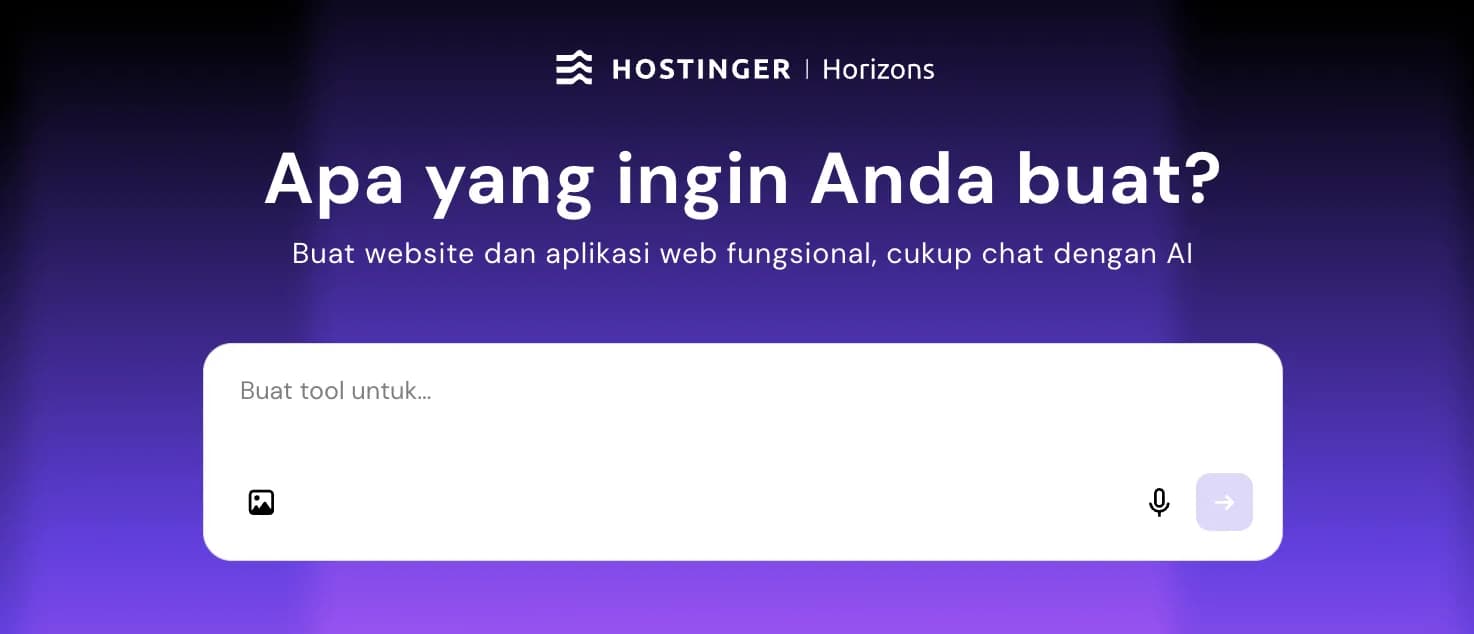
Applications can also be edited later using prompts. Everything will be updated in real-time, and deployment is just one click away. Hostinger Horizons also includes hosting and domains, so you don't need to subscribe to separate services.
5. Bring web applications online and connect your business
Next step, connect the application to the domain. We recommend using a custom domain, for example yourapplicationweburl.com, rather than a general subdomain. At Hostinger Horizons, domain and business email setup can be done from just one dashboard.
Before it is announced to a wide audience, do a soft-launch first. In the photographer's case, he or she will distribute the reservation link to five to ten clients:
"Hello, I've just created an online booking system. Would you like to try it? Just let me know if there's anything confusing."
Testing it in small groups like this can speed up identifying problems before the app is launched. For example, the calendar display has an error or the package description is unclear so the client is confused about choosing. That's why it's easier to do initial testing on people you already know.
6. Develop applications from customer feedback
It's okay if the first version isn't perfect. That's a common occurrence.
For example, the photographer finally launched an app. Two weeks later, the pattern began to appear. There were three clients who asked "Can I bring a pet?", two clients who asked "Can the deposit be refunded?", and one client who didn't make a reservation because there were no examples of commercial photos.
From there, the photographer will update the app by creating further prompts in the no-code builder: "Add a special "pets allowed" note on the reservation page, include refund policy info before checkout, and add a portfolio section that can be filtered by package type." Each requested repair only takes a few minutes.
From the example above, it can be concluded that just go online first, then learn from mistakes, and improve quality so that the business can grow. Of course this is better than getting stuck in endless planning.
Even if the app is not perfect, a business that dares to put it online will be far superior to a business that is busy perfecting an app for three months without releasing it to an audience.
Create now
Nowadays, for online businesses you don't need coding anymore. Now there are tools to turn ideas into complete web applications that can not only be used, but also make money.
For example, the photographer doesn't need to learn JavaScript. He simply formulated the problem, explained the idea, and put the application online. Clients remain, and the reservation process becomes simpler without having to go through email.
Come on, create your web application now, whatever form it takes.
Explain the idea, create a simple version first (presenting the solution of course), and put it online. From user feedback, you can develop the quality of the application to make it even better.
That's all the tutorial. Easy, right?

Related Articles
just.hosting: Global VPS with 20 Years of Experience
International VPS provider serving 329,000+ clients in 40 countries with a focus on flexibility, performance and competitive pricing
Hostinger: Global Infrastructure, Local Touch
The hosting platform that serves 5 million users in 150+ countries is now present with full commitment to the Indonesian market.
Cloudways Review
A complete review of Cloudways, a popular managed cloud hosting platform, discussing its advantages and disadvantages as well as how it compares to other providers. Suitable for beginners to developers.
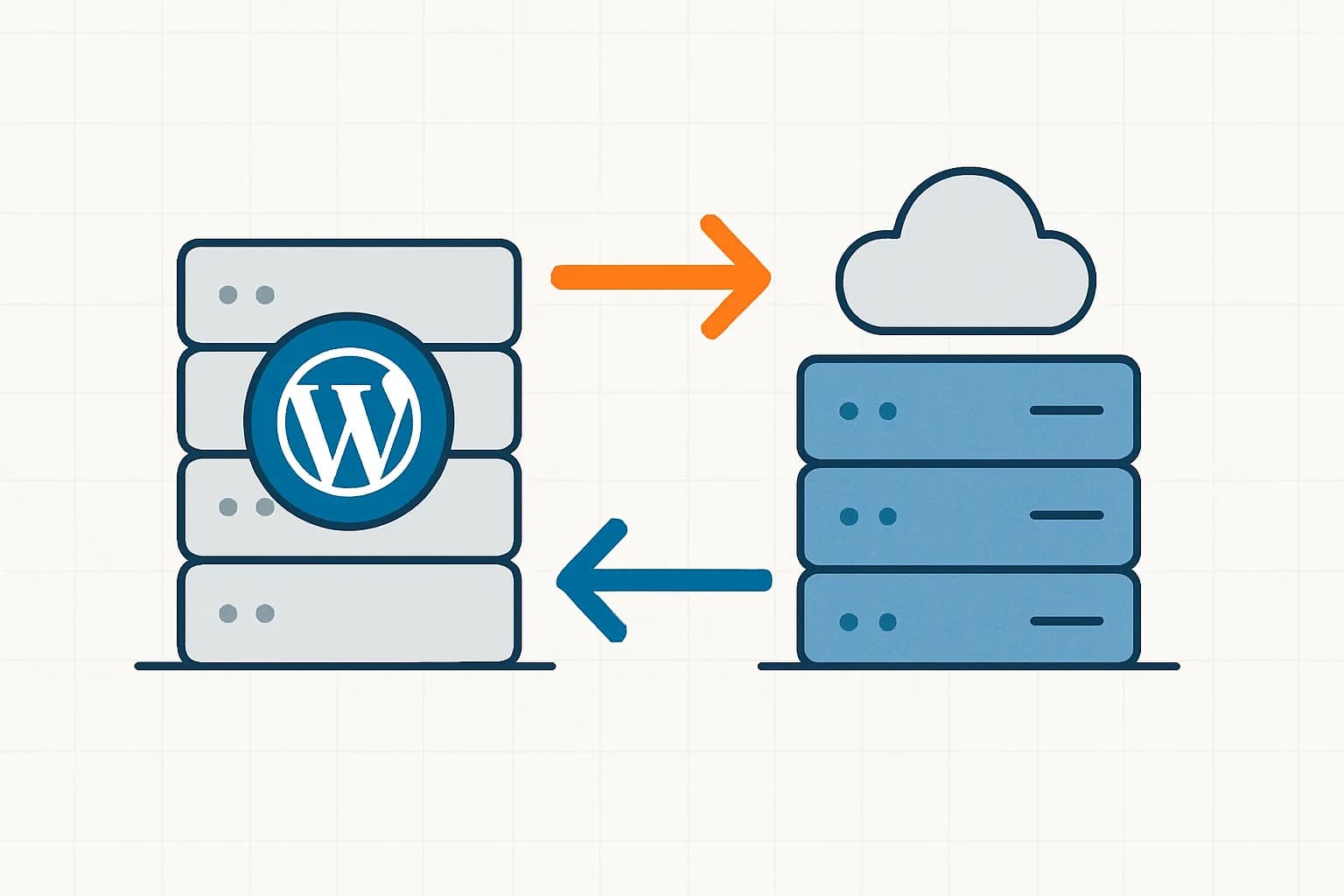
How to Migrate WordPress to Kinsta Manually
Complete guide on how to migrate a WordPress website to Kinsta safely and without downtime. Learn three migration methods: Kinsta's free service, the Migrate Guru plugin, and the manual way.
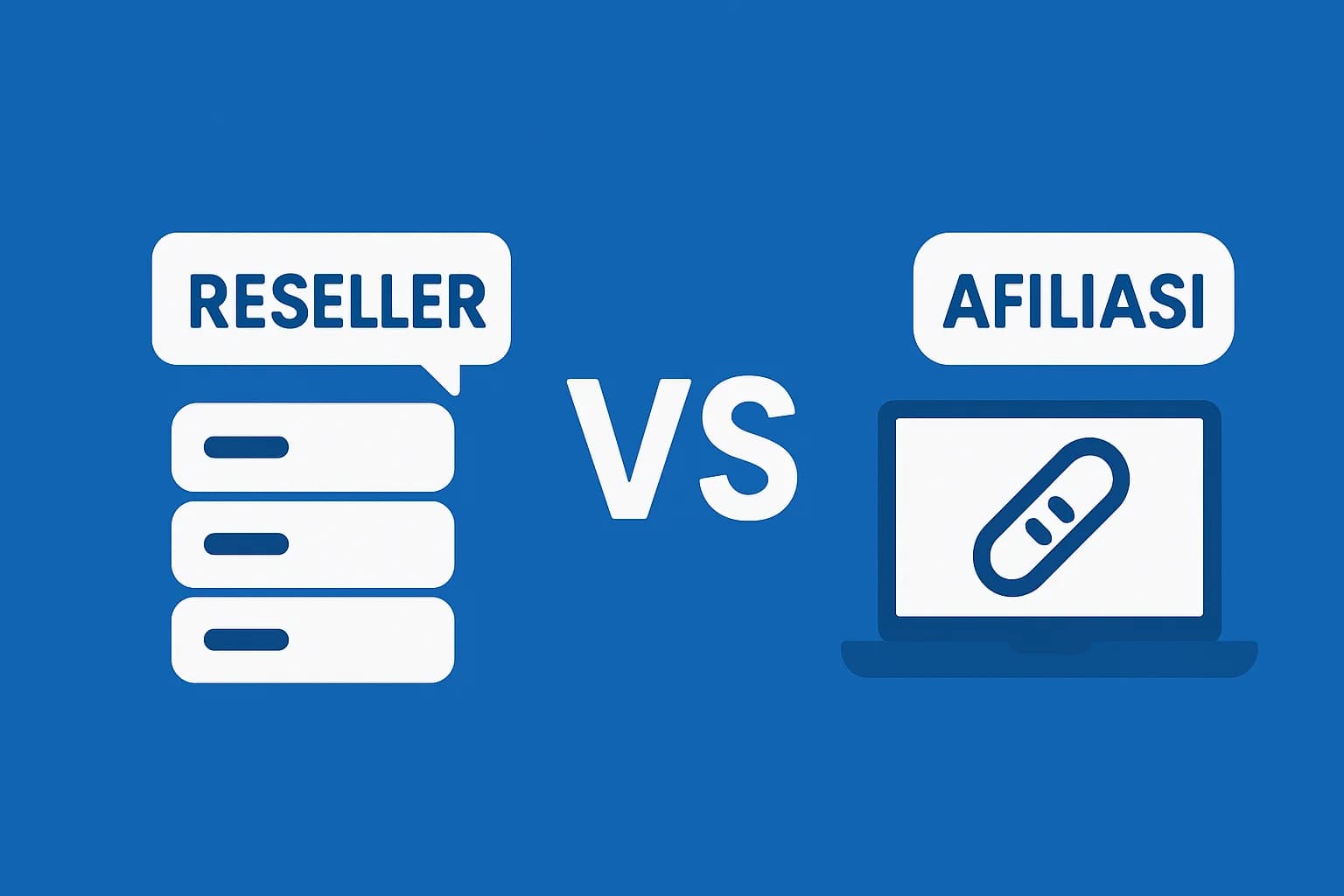
Reseller Hosting vs Hosting Affiliate Programs: Which is More Profitable?
Compare the reseller hosting business model (cPanel/WHM) vs hosting affiliate programs in terms of margins, operations, risks and traffic requirements. Choose the monetization scheme that suits you best.
RunCloud Review
Complete review of RunCloud, a cloud panel for managing Cloud VPS. Learn about RunCloud's features, performance, price, advantages and disadvantages to help you decide.

Website Maintenance Costs + Case Examples
Complete details of website maintenance costs from the smallest to the largest scale, including DIY options, hiring a developer, and a professional agency, as well as real case examples.

Shared Hosting: Complete Review from A to Z
Review shared hosting in depth. Understand the ins and outs, potential problems, and more.
Differences between Reseller Hosting, Shared Hosting, and VPS Hosting
Compare shared hosting, reseller hosting (cPanel/WHM), and VPS in terms of control, performance, costs, and usage scenarios. Find the right choice for your business/website needs and plans.