Complete cPanel Guide For Beginners
Complete cPanel guide from A-Z for beginners. Learn the basics of cPanel, how to manage domains, email, files, backups and install applications like WordPress.
This is the most complete cPanel guide written for beginners.
The best part is that this guide is written in simple language to make it easier to understand even for “non-technical” people.
So, for you:
- Those who have just learned to create websites,
- Want to know what cPanel is
- Want to learn about the functions of cPanel
You are in the right place, because this cPanel guide has covered the important parts of cPanel.
Why Read this cPanel Guide?
| Category | Details |
|---|---|
| For Beginners This cPanel guide is | suitable for beginners and those who are creating a blog/website for the first time. |
| Complete & Free | Completely written from A to Z and can be accessed by anyone at no cost. |
| Up-to-date 2025 | Use the latest cPanel version (2025), not the old version like many other guides. |
The target is..
For those of you who currently don't understand anything about cPanel, at the end of this guide you will understand how to use cPanel, starting from:
- ✅ Understand the basics about cPanel
- ✅ Manage domains
- ✅ Manage email accounts
- ✅ Manage website files
- ✅ Back up the website
- ✅ Installing applications or CMS such as WordPress
Guide Structure
This guide consists of 9 comprehensive chapters arranged systematically from the most basic concepts to the more technical ones:
- Introduction to cPanel - Understand what cPanel is and how to access it
- cPanel Interface - Get to know the appearance and basic functions of cPanel
- Updating Preferences - How to set preferences and manage users
- Managing Domains - How to add and manage domains
- Email Account Settings - How to create and manage emails
- Managing Website Files - How to use File Manager and FTP
- Backup Website Files - How to backup and restore website files
- Installing SSL - How to activate free SSL (Let’s Encrypt)
- Installing Apps - How to install WordPress and other apps
For best results, I highly recommend that you read this guide in order from start to finish. Each chapter builds on knowledge from the previous chapter, giving you a comprehensive and structured understanding.
Let's start your journey in understanding the world of cPanel!
Summary of Guide Chapters
This guide has been updated for 2025 with the latest information, practical examples, and recommendations relevant to current developments in cPanel technology.
Chapter 1: Introduction to cPanel
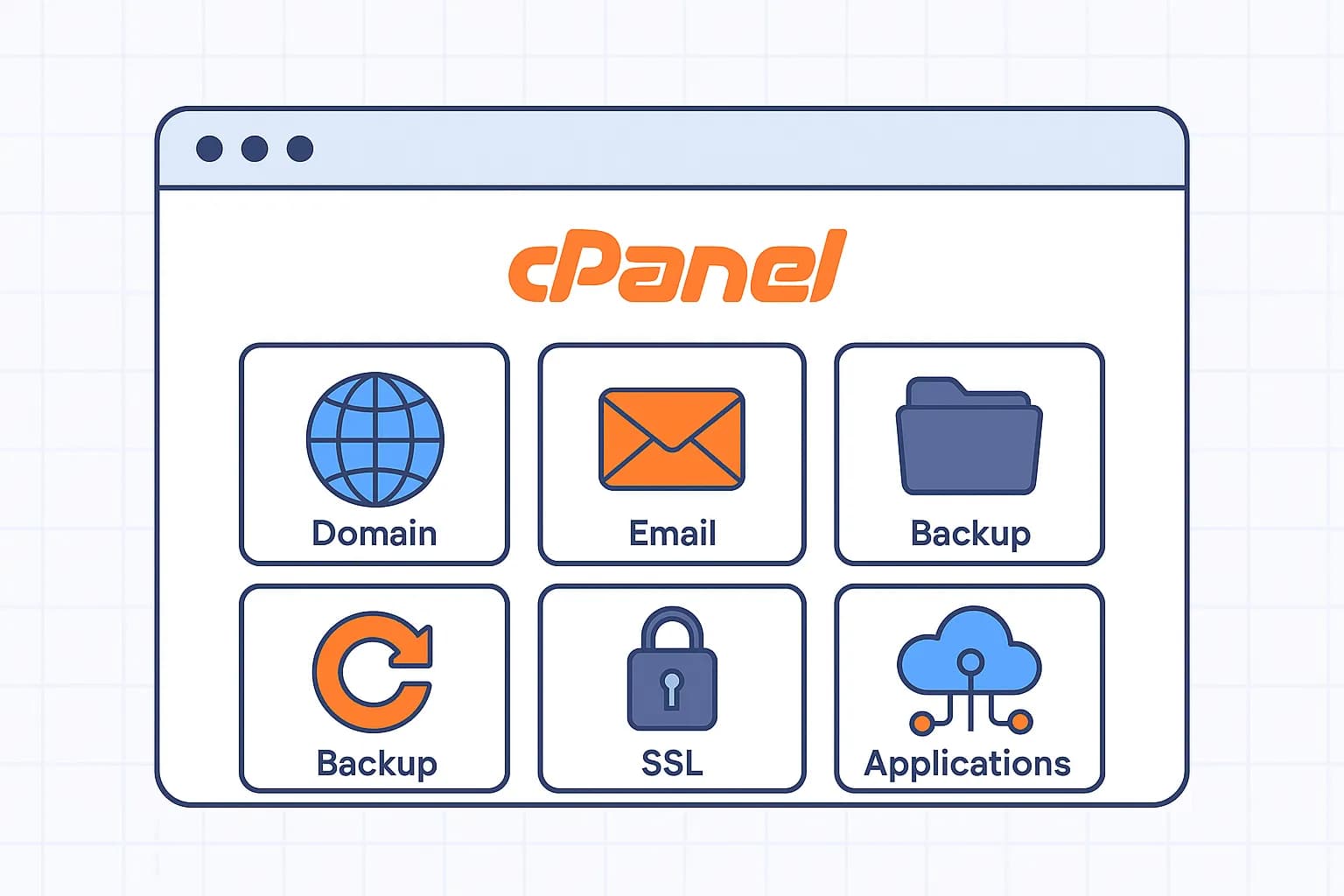
In this opening chapter, you will learn:
- Basic cPanel concepts - What is cPanel and how does it work
- Why use cPanel - Advantages of cPanel over other control panels
- CPanel main features - What can be done with cPanel
- How to access cPanel - Various methods to login to cPanel
This chapter provides an important foundation for understanding the concepts that will be discussed in subsequent chapters. Start from Chapter 1: Introduction to cPanel
Chapter 2: cPanel Interface
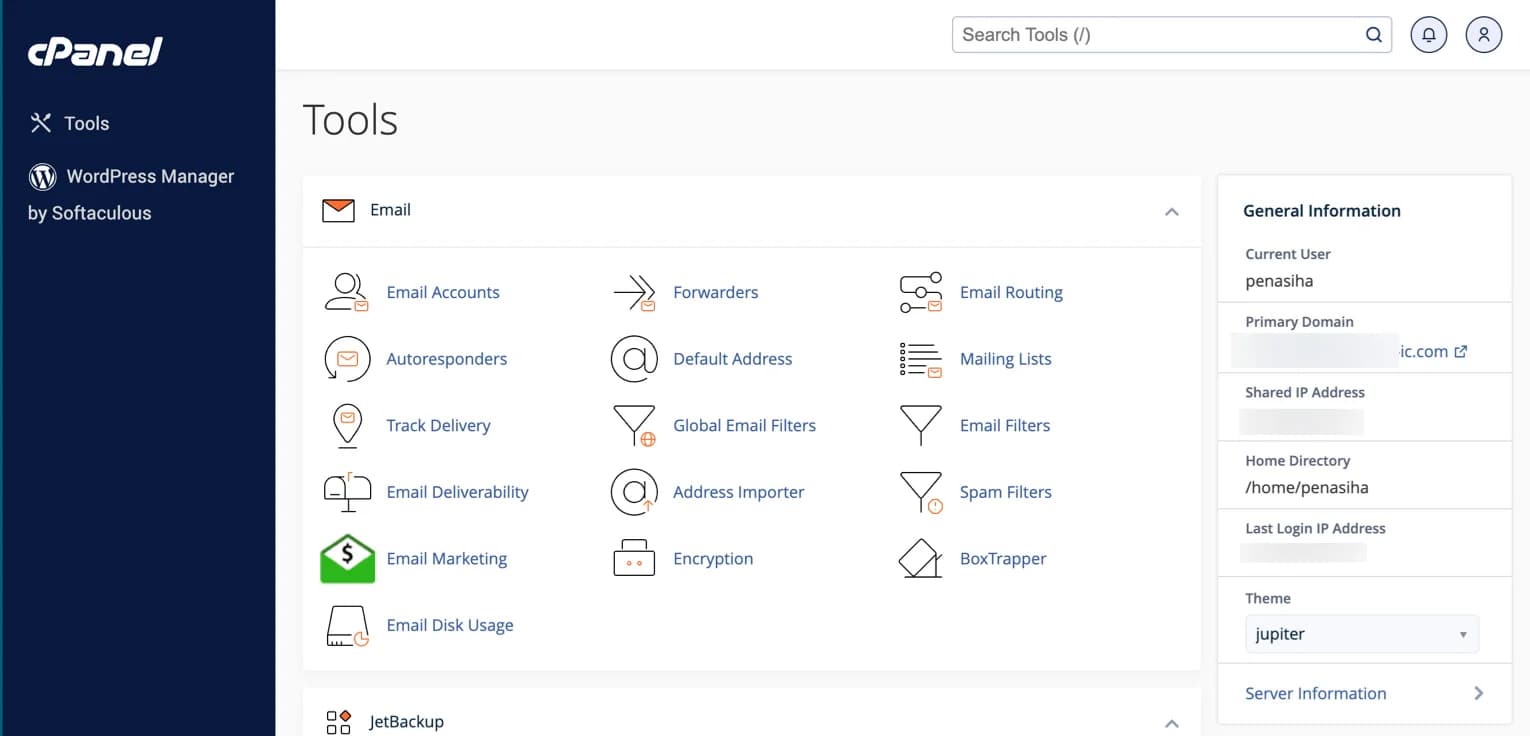
This chapter explores the basic views and functions of cPanel:
- Get to know the appearance of cPanel - Understand the latest cPanel layouts and themes
- Search Bar and Navigation Bar - How to easily navigate cPanel
- Left Sidebar and Right Sidebar - Important functions and information in the sidebar
- Organizing the cPanel view - Customize the view as needed
Read Chapter 2: cPanel Interface
Chapter 3: Updating Preferences
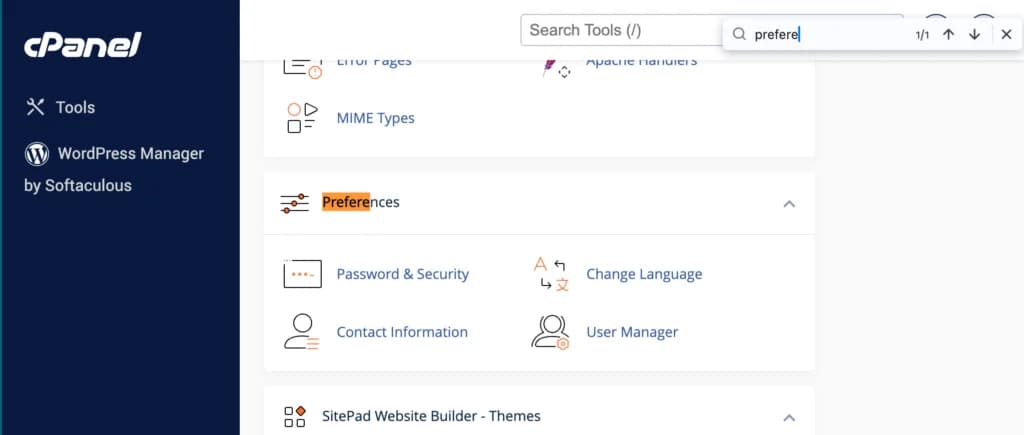
This chapter explains how to set preferences in cPanel:
- Changing passwords - Security best practices for cPanel passwords
- Updating contact information - Ensure contact information is up to date
- Adding a new user - How to grant limited access to others
- Manage user permissions - Set permissions for email, FTP, and web disk
Chapter 4: Managing Domains
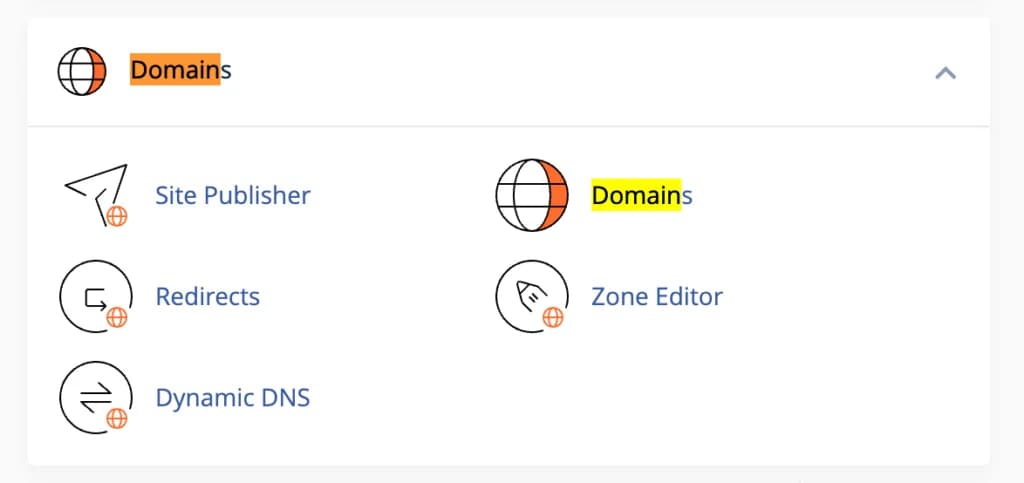
This chapter provides practical guidance for:
- Adding a new domain - How to add a domain to cPanel
- Manage subdomains - Create and manage subdomains
- Set redirects - Redirect visitors from one URL to another
- Domain management best practices - Tips for optimizing domain settings
Chapter 5: Email Account Settings
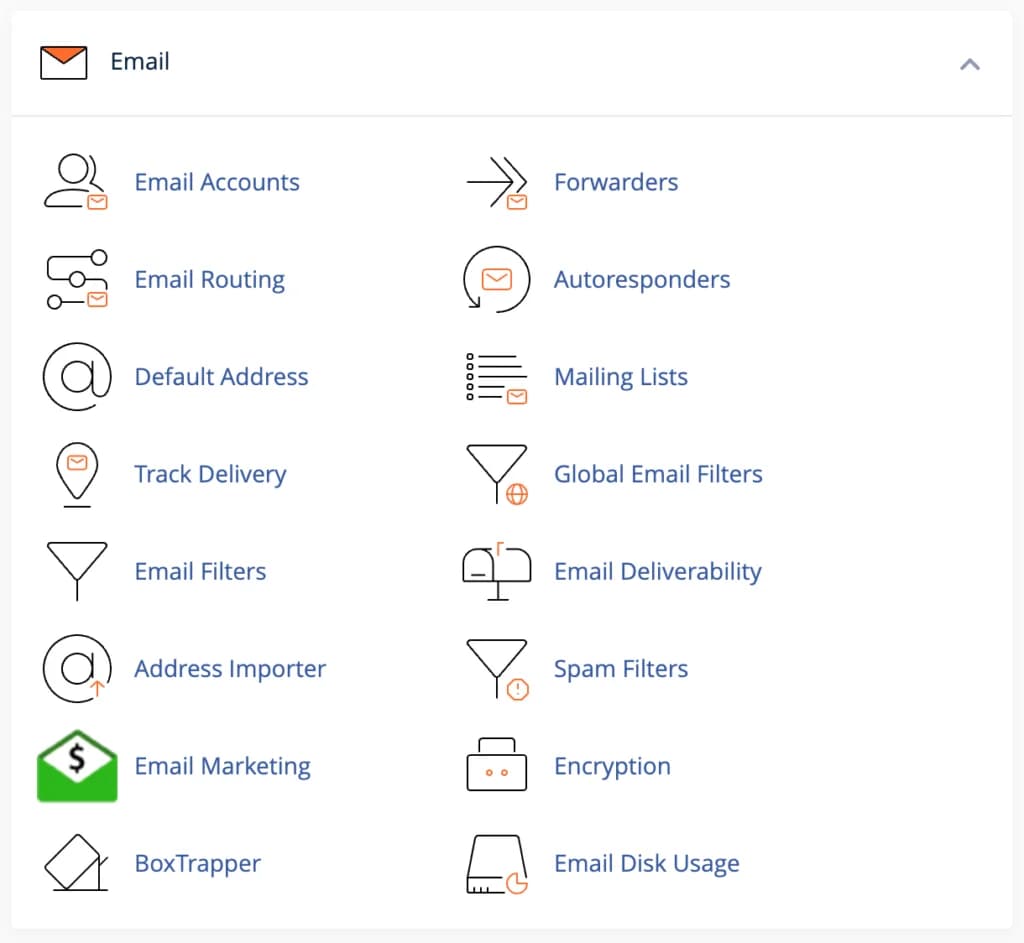
This chapter explains how to manage email in cPanel:
- Create an email account - How to create an email with your own domain
- Accessing webmail - How to access and use webmail
- Forwarding email - Forwards email to another address
- Set spam filters - Protect your inbox from spam emails
Read Chapter 5: Account Email Settings
Chapter 6: Managing Website Files
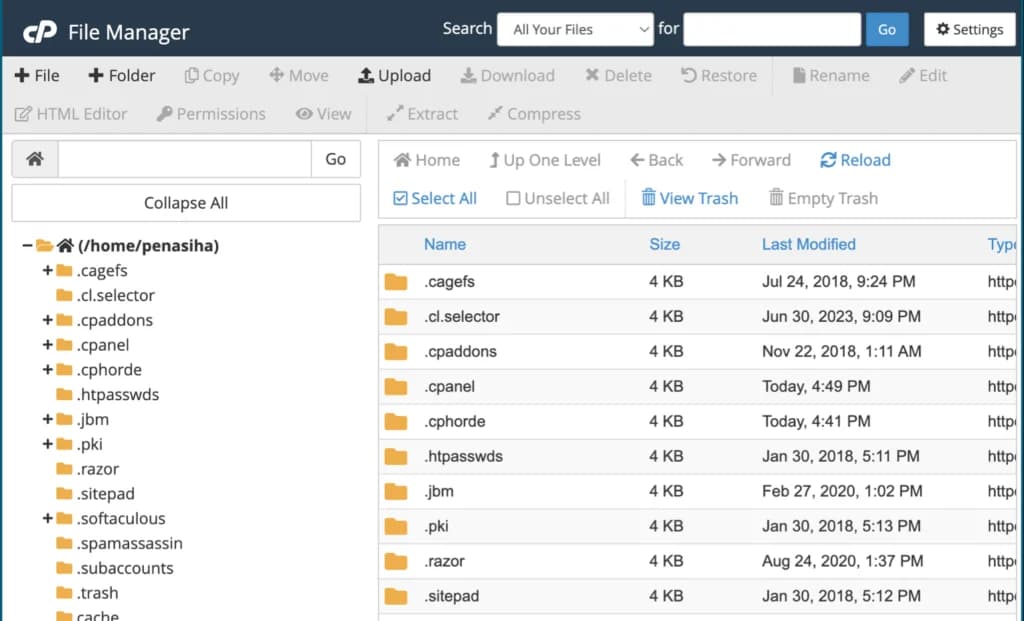
This chapter describes how to manage website files:
- Using File Manager - How to access and use File Manager
- Uploading files - How to add files to the website
- Create a new folder - Organize website files with folders
- Using FTP - Alternative for managing website files
Chapter 7: Backup Website Files
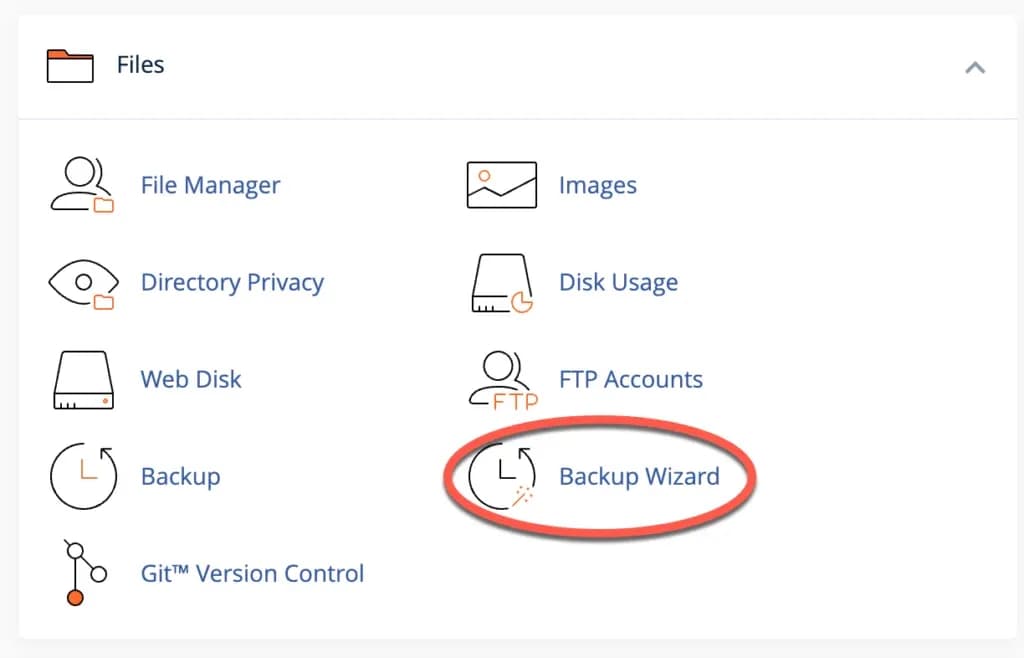
This chapter explains the importance of backups and how to do them:
- Automatic backup - Uses the JetBackup feature in cPanel
- Manual backup - How to perform a backup manually
- Full backup vs partial backup - Understand the differences and when to use them
- Restore backup - How to restore a website from backup
Chapter 8: Installing SSL
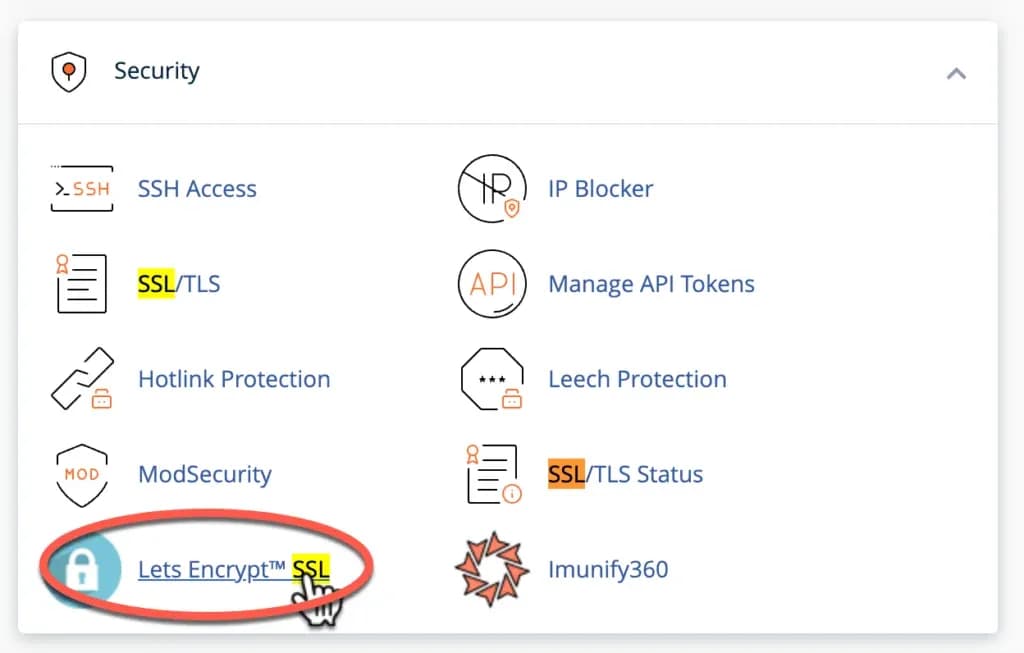
This chapter explains how to enable SSL in cPanel:
- What is SSL - The importance of SSL for websites
- Let’s Encrypt SSL - How to activate free SSL
- Force HTTPS redirect - Ensures the website always uses HTTPS
- Troubleshooting SSL - Resolves common problems with SSL
Chapter 9: Installing Applications
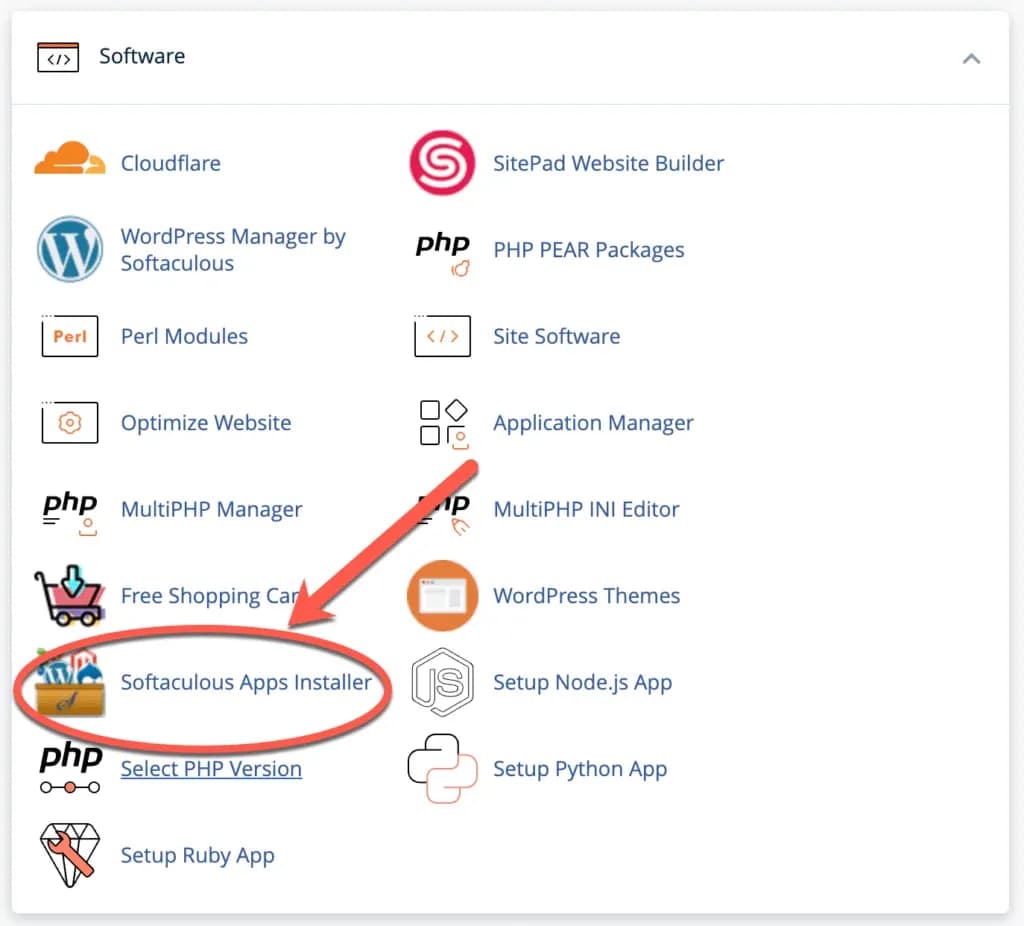
This final chapter explains how to install applications in cPanel:
- Using Softaculous - How to install apps with one click
- Installing WordPress - Step by step guide
- Installing other apps - Joomla, Prestashop and others
- Manage apps - How to update and delete apps
Read Chapter 9: Installing the Application
Conclusion
Understanding how to use cPanel is an important skill for anyone who wants to manage a website effectively. This guide has been designed to give you a comprehensive understanding of cPanel in easy-to-understand language.
After reading this entire guide, you will have enough knowledge to:
-
Manage domain and email with your own domain
-
Manage website files with File Manager or FTP
-
Backup and restore your website files
-
Enable SSL for website security
-
Easily install apps like WordPress
Remember, the world of web hosting continues to develop rapidly. This guide was updated for 2025, but it's always important to stay up to date on the latest developments in hosting technology and security best practices.
Vital Records
If you have any further questions or need help with your cPanel, feel free to leave a comment below. We always try to help our readers with the latest information and practical solutions.