When is it Right to Upgrade to Managed WordPress Hosting?
A complete guide for business owners to determine the right time to upgrade from shared hosting to managed WordPress hosting. Includes decision-making framework, evaluation checklist, and real case studies.
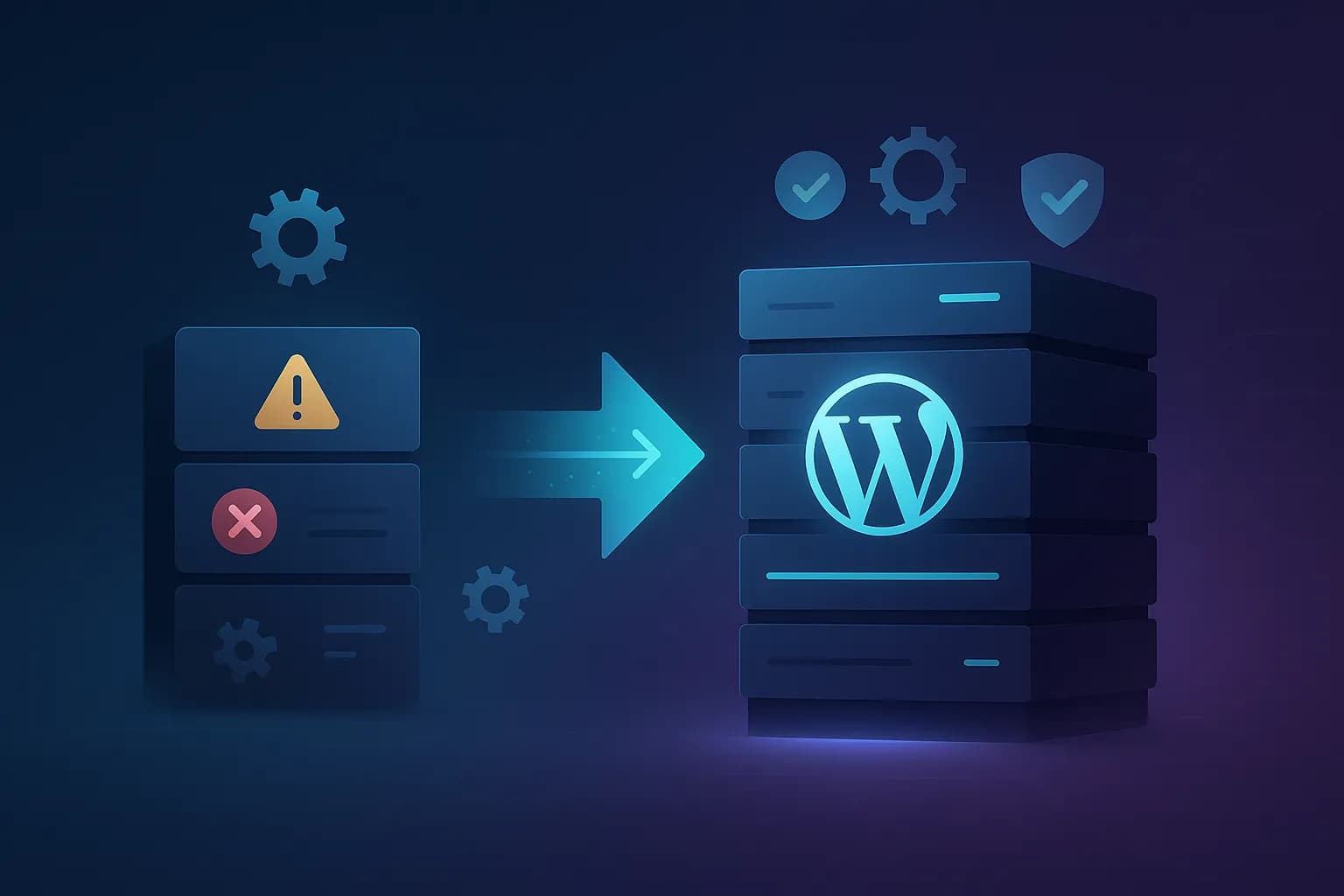
That WhatsApp message came in the middle of your important meeting with a potential client. As the owner of a fast-growing online store, this is a nightmare. Moreover, there is currently a flash sale which has been advertised heavily on social media.
Familiar with this situation?
If so, maybe it's time for us to talk seriously about hosting your website.
In my experience managing various business websites, I often see the same pattern: staying with shared hosting for too long until the problem becomes chronic. In fact, the right timing for an upgrade can be the difference between smooth business growth or a website that becomes a bottleneck.
In the world of online business, a website that is slow or often goes down is not just a technical problem – it's a business survival problem.
Let's dissect when is actually the right time to upgrade to managed WordPress hosting, from the perspective of a business owner – not a technology geek.
Red Flags: Signs that your website has "outgrown" Shared Hosting
Before getting into solutions, it's important to recognize the signs that shared hosting is no longer ideal for your website.
1. Technical Warning Signs
| Warning Signs | Business Implications | Urgency Level |
|---|---|---|
| Loading Time > 3 seconds | Google: 53% of mobile visitors will leave a website that takes more than 3 seconds to load | Height |
| Error 503 during peak hours | Losing sales when momentum is high (flash sales, viral on social media) | Critical |
| CPU Throttling | Websites are super slow when traffic is high - when you need performance most | Height |
| Memory Exhaustion | Website is completely down, needs to be manually restarted many times | Critical |
2. Impact on Businesses That Are Often Overlooked 💸
- Slow website = potential buyers run away
- Competitors with faster websites are just one click away
- *Each second of delay = 7% decrease in conversion
- Core Web Vitals is bad due to slow servers
- High bounce rate due to load time
- Google is getting stricter about page experience
- *Ranking drops = organic traffic decreases = revenue decreases
- Website down when presented to clients/investors
- Customer complaints on social media
- Loss of credibility
- First impression matters – slow website = brand seems “cheap”
- Bad user experience = customers don't come back
- Negative word-of-mouth to friends/family
- Bad reviews on Google/social media
3. Warning Signs from the Operational Side
- Too much time for technical troubleshooting
- WordPress updates are a monthly problem
- Manual backup which is often forgotten
- Support tickets that drag on 2. Security Warning Signs:
- Website has been hacked or defaced
- Malware warnings from Google
- Blacklist warnings from email providers
- Suspicious login attempts
⚠️ Reality Check: Many new business owners seriously think about upgrading after the website goes down at a critical time or is hacked. Don't wait until it "fires" - recovery costs and lost revenue can be much more expensive than the cost of upgrading hosting.
Framework: Determining Readiness for Upgrades
Let's talk about a practical framework for determining whether your business is ready to upgrade to managed WordPress hosting.
The 4R Framework
- How much revenue is lost every time the website is down for 1 hour?
- How many conversions are lost due to a slow website?
- What is the value of each second of loading time?
- How many hours per month are wasted on technical matters?
- What is the opportunity cost of that time?
- How much focus is distracted from the core business?
- How critical is the website to business operations?
- What impact will downtime have on brand reputation?
- What about customer data security?
- Compare:
- Cost of managed hosting VS shared hosting
- Your time saved x hourly rate
- Potential for increased conversions
- Peace of mind factor
💡 Quick Assessment: If at least 2 of the following conditions are met, it's time to upgrade:
- Website generates revenue > IDR 5 million/month
- 1 hour downtime = loss of potential revenue of up to IDR 1 million
- Spend > 2-3 hours/month on technical hosting matters
- Sensitive customer data that needs extra protection
- Website traffic > 1,000 unique visitors/month
- Running paid marketing campaigns (Google Ads, Facebook Ads)
Managed WordPress Hosting: Value Proposition for Business OwnersLet's take a look at what you actually get from upgrading to managed WordPress hosting, from a business (not techie talk) perspective.
1. Time = Money Factor
- 20-40 minutes/month for WordPress & plugins updates
- 10-30 minutes/month for manual backups
- 2-4 hours/month troubleshooting technical issues
- Total: 3-5 hours/month of routine maintenance
- Automatic & monitored updates (hosting level)
- Automatic backup with retention policy
- Expert support that solves problems in minutes
- Website maintenance is still required (content, plugin compatibility, etc.)
- Total: 1-2 hours/month oversight & website maintenance> Simple calculation: If your rate is IDR 200k/hour, shared hosting “takes” IDR 600k-1 million/month of your time. Managed hosting of IDR 250 thousand-500 thousand/month is a reasonable investment.
2. Peace of Mind Factor
- No more "website down" in the middle of an important meeting
- No need to be afraid every time WordPress updates
- Security & performance handled by experts
- Support who understands business urgency
3. Performance & Security Upgrade
- Server specially optimized for WordPress
- Proactive security monitoring
- Regular malware scanning
- Advanced caching system
- CDN integration
💡 Pro Tip: Don't get hung up on the monthly price. Calculate Total Cost of Ownership (T
- Shared Hosting: IDR 20-50k/month + (4 hours × your hourly rate) + potential revenue loss
- Managed Hosting: IDR 250-500 thousand/month + (1.5 hour maintenance) + peace of mind
- If your rate is IDR 200 thousand/hour, time saving = IDR 500 thousand/month
- Does not include opportunity cost: time that could be used for sales, marketing, or product development
Checklist: Choosing the Right Managed WordPress Hosting
Not all managed WordPress hosting is created equal. The following is a checklist for choosing the right provider:
1. Support Quality
- ✓Pre-sales support is responsive and competent
- ✓24/7 support with response time < 15 minutes
- ✓Support Indonesian language
- ✓Personal support (not system tickets)
2. Performance & Infrastructure
- ✓Server in Singapore (for Indonesian audiences)
- ✓Modern stack: NVMe, PHP 8.x, LiteSpeed/NGINX
- ✓Resource limits are clear & fair
- ✓Scaling options for peak traffic
3. Security & Backup
- ✓Daily backup with 14-30 days retention
- ✓Staging environment for testing
- ✓Proactive security & malware monitoring
- ✓Free SSL & malware cleanup
4. Migration & Onboarding
- ✓Free migration with zero-downtime guarantee
- ✓Pre-migration performance audit
- ✓30 days dedicated migration support
- ✓Easy rollback option if there is a problem
💡 Pro Tip: Always ask for a trial or demo before committing. Providers who are confident in their services will be happy to give you the opportunity to try them first. And don't forget to read the fine print regarding upgrade/downgrade terms.
Case Study: WIN Equipment Website Performance Transformation
*Initial Conditions (Shared Hosting):
- PageSpeed Insights: 27 (mobile), 36 (desktop)
- Fails Core Web Vitals
- Very slow loading time
- Many technical SEO errors
*After Transformation (VPS + Optimization):
- PageSpeed Insights: 92 (mobile), 99 (desktop)
- Migration from WP Bakery to GenerateBlocks
- Reduction of unnecessary plugins
- Website performance has increased drastically
Result: Websites that were previously slow and problematic are now responsive and optimal for user experience and SEO.
Talking about managed WordPress hosting that focuses on business owners, WordPress Hosting at Harun Studio might be the right choice for you. With a "no panel, no hassle" approach and personal support via WhatsApp, you can focus on developing your business without having to worry about technical hosting issues.
Plus, with a server that is 3x faster than regular shared hosting and free malware cleanup, your business website will always be safe and optimal.
Conclusion: It's About Time, Not Price
The decision to upgrade from shared hosting to managed WordPress hosting is actually not about "able or not", but about "is it time or not".
A website that becomes a revenue engine for your business deserves proper infrastructure and support. Shared hosting is indeed a good place to start, but as your business grows, hosting also needs to upgrade.
The clearest sign? When you start thinking more about hosting than business development – that's a red flag that shouldn't be ignored.
Action Plan - Next Steps:
Week 1: Evaluate your website with the 4R Framework above
Week 2: Calculate the real TCO of your current hosting (don't forget to calculate the opportunity cost)
Week 3: Research 2-3 managed WordPress hosting providers, request a demo/trial
Week 4: Start migration with preferred provider (make sure there is a backup!)
Remember: In business, timing is everything. It's the same with upgrading hosting – too fast can be wasteful, too slow can be fatal. But it's better to upgrade 6 months too early than 1 day too late.

Willya Randika
Hi, saya Randika, seorang Web Developer yang spesialis di WordPress, Astro, dan Next.js. Sejak 2015, saya telah membantu ratusan bisnis dan profesional membangun website yang tidak hanya cepat dan aman, tapi juga mudah ditemukan di Google dan efektif mengkonversi pengunjung menjadi pelanggan.
Related Articles
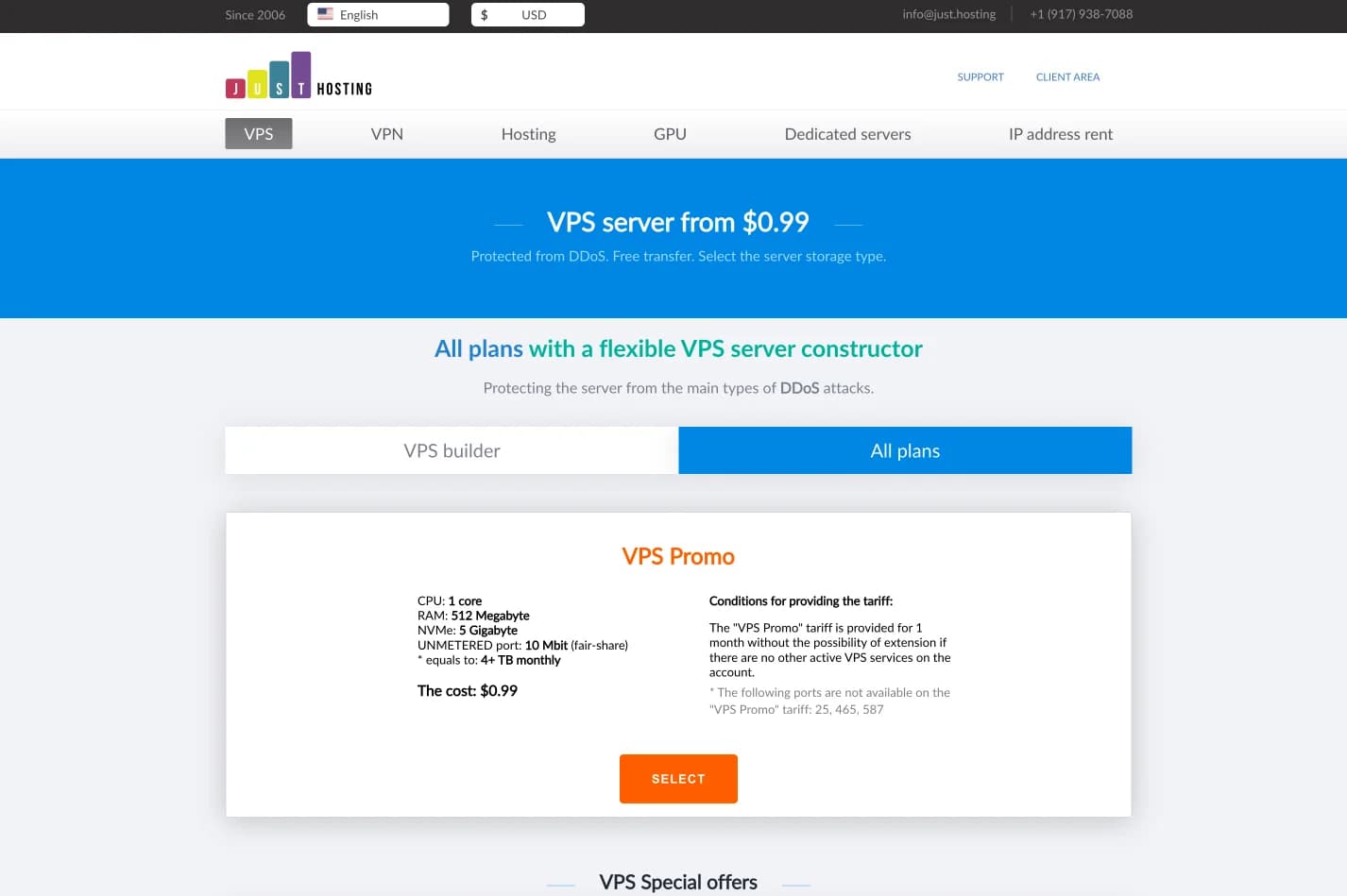
just.hosting: Global VPS with 20 Years of Experience
International VPS provider serving 329,000+ clients in 40 countries with a focus on flexibility, performance and competitive pricing
How to Create a Web Application Without Coding for Online Business
Complete tutorial on how to create a web application without coding for online business, starting from planning, creating, and putting the application online.
Hostinger: Global Infrastructure, Local Touch
The hosting platform that serves 5 million users in 150+ countries is now present with full commitment to the Indonesian market.
Cloudways Review
A complete review of Cloudways, a popular managed cloud hosting platform, discussing its advantages and disadvantages as well as how it compares to other providers. Suitable for beginners to developers.
How to Migrate WordPress to Kinsta Manually
Complete guide on how to migrate a WordPress website to Kinsta safely and without downtime. Learn three migration methods: Kinsta's free service, the Migrate Guru plugin, and the manual way.
Reseller Hosting vs Hosting Affiliate Programs: Which is More Profitable?
Compare the reseller hosting business model (cPanel/WHM) vs hosting affiliate programs in terms of margins, operations, risks and traffic requirements. Choose the monetization scheme that suits you best.
RunCloud Review
Complete review of RunCloud, a cloud panel for managing Cloud VPS. Learn about RunCloud's features, performance, price, advantages and disadvantages to help you decide.

Website Maintenance Costs + Case Examples
Complete details of website maintenance costs from the smallest to the largest scale, including DIY options, hiring a developer, and a professional agency, as well as real case examples.

Shared Hosting: Complete Review from A to Z
Review shared hosting in depth. Understand the ins and outs, potential problems, and more.