What is a Domain: Definition, Types and Differences from Hosting
Learn what a domain is, the difference between a domain and hosting, types of domains, and strategies for choosing an effective domain name for your website.
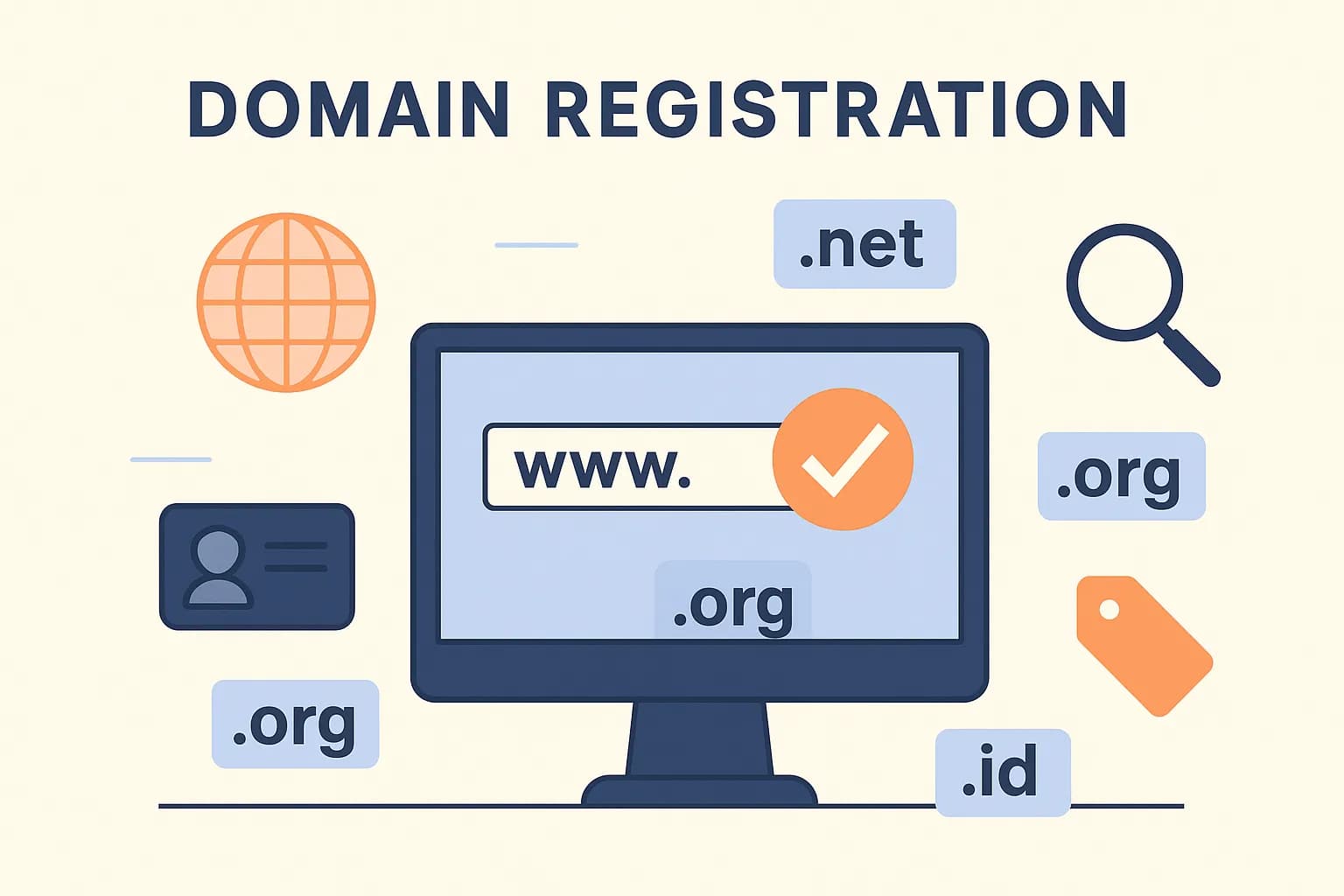
Domain and hosting are two fundamental components in building an online presence. If you want to create a website that is professional and accessible to the public, you need both. In this chapter, we will explore the concept of domains in depth, how they differ from web hosting, and the different types and functions of domains in the modern internet ecosystem.
What is a Domain?
Definitions and Basic Concepts
Before you create a website, it's important to understand what a domain is and how it plays a role in building your online presence.
Domain is a unique address used to access a website on the internet. This is the name you type into your browser to visit a website. For example, in the address google.com, google.com is a domain name that makes it easy for users to visit the site without having to remember complex numeric IP addresses (such as 142.250.190.78).
💡 Simple Analogy: If the website is a house, then the domain is the address of the house. Without a clear address, people won't know how to find your house among millions of other houses.
Anatomy of a Domain Name
A domain name consists of several parts that have specific functions:
blog.penasihathosting.com
 ↑          ↑           ↑
Subdomain  SLD         TLD
-
TLD (Top-Level Domain): The rightmost part of the domain name (
.com,.org,.net, etc) -
SLD (Second-Level Domain): Your domain's primary name (
penasihathosting) -
Subdomain: Optional section to the left of the SLD (
blog)
How Domains Work
Domains work as part of the DNS (Domain Name System) system which translates easy-to-remember domain names into numeric IP addresses that computers use to communicate with each other. This process occurs in several steps:
- The user types the domain name (e.g.
penasihathosting.com) in the browser - The browser sends a request to the DNS server
- DNS servers translate domain names into IP addresses
- The browser uses the IP address to connect to the server that hosts the website
- The server sends website content to the user's browser
This process usually occurs within milliseconds, providing a seamless experience for users.
Difference between Web Hosting vs Domain
Many beginners often have difficulty distinguishing between web hosting and domains. Although the two are interrelated and both necessary for a functioning website, they have very different roles in the web ecosystem.
Comprehensive Comparison
| Aspect | Domains | Web Hosting |
|---|---|---|
| Definition | Unique address used to access the website | Website and database file storage services |
| Main Functions | Redirects visitors to the hosting server | Save and send website files to the browser |
| Example | advisorhosting.com | Server in the data center that stores website files |
| Cost | IDR 100,000 - IDR 500,000/year | IDR 10,000 - IDR 1,000,000+/month |
| Provider | Domain registrar (Namecheap, GoDaddy, etc) | Hosting provider (IDCloudHost, Niagahoster, etc.) |
| Extension | Usually annually | Usually monthly or yearly |
Easy to Understand Analogy Illustrations
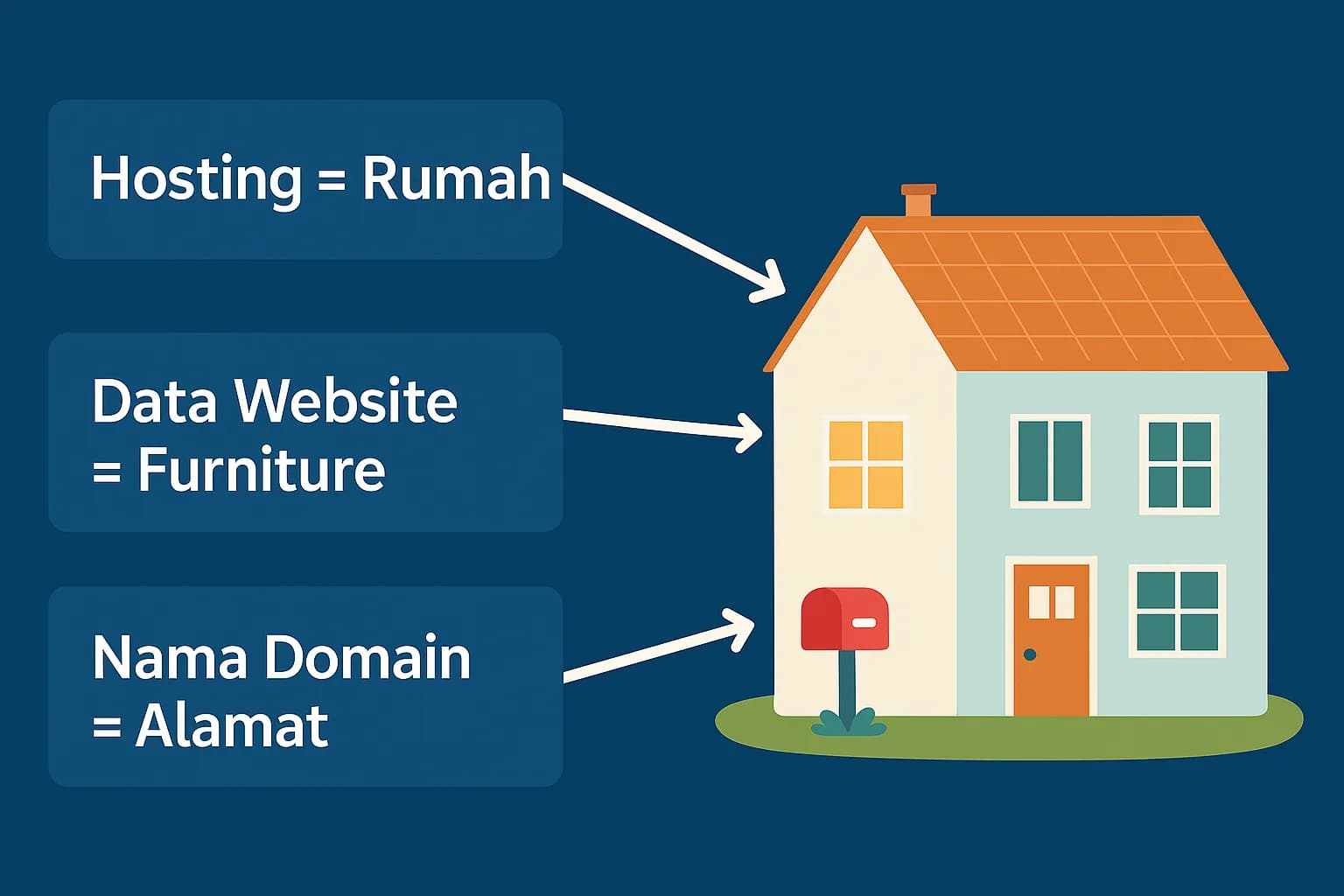
To understand this difference more easily, imagine:
Domains
Like your home address. This is how people find your location in the real world.
Example: Jl. Merdeka No. 123, Jakarta
Web Hosting
Like the physical house itself. This is where you store all your stuff (website files).
Example: House building with all its contents
Relationship Between Domain and Hosting
Domains and hosting work together to make your website work:
- Domain directs visitors to your hosting server via the DNS system
- Hosting saves website files and sends them to the visitor's browser3. DNS connects the domain with the hosting via DNS records
Without a domain, your website can only be accessed via an IP address that is difficult to remember. Without hosting, your domain will only lead to a blank or error page.
⚠️ Important to Remember: Although many providers offer domain and hosting services in one package, they remain separate services that can be purchased and managed independently.
Types of Domains
Understanding the different types of domains and domain extensions is very important for choosing the right domain for your website. Let's discuss it in detail.
TLD (Top Level Domain)
A TLD (Top Level Domain) is the rightmost part of a domain name, such as .com, .org, or .net. TLD provides information about the purpose or type of website.
Main TLD Category
Generic TLD (gTLD)
- .com - Commercial (commercial)
- .org - Organization (non-profit organization)
- .net - Network (network)
- .edu - Education (education)
- .gov - Government (government)
- .mil - Military (military)
New TLD (New gTLD)
- .app - Application
- .blog - Blog
- .shop - Online shop
- .tech - Technology
- .store - Store
- .io - Popular for tech startups
TLD Trends
T
L
D usage trends have changed significantly:
-
Specific Industry TLDs are increasingly popular (
.law,.health,.finance) -
Geographic TLDs increase for local businesses (
.jakarta,.bali) -
Short TLD is preferred for ease of recall
-
Activity Based TLDs (
.shop,.blog,.travel) are increasing in popularity
⚠️ Important Considerations: While there are many TLD options, .com is still the most trusted and well-known TLD. For commercial businesses, the .com is often the best choice for credibility and ease of recall.
ccTLD (Country Code Top Level Domain)
ccTLD is a two-letter TLD that represents a specific country or region. ccTLDs are especially useful for businesses targeting specific local markets.
Examples of Popular ccTLDs
.id- Indonesia.my- Malaysia.sg- Singapore.jp- Japan.au- Australia.uk- UK.us- United States
Advantages of Using ccTLD
-
Geographic Relevance - Demonstrates focus on a specific local market
-
Local SEO - Can improve rankings in local search results
-
Local Trust - Increase local visitor trust
-
Name Availability - More name options still available
Special Requirements
Some ccTLDs have special requirements. For example, to register the domain .id:
- Must have an Indonesian KTP or Indonesian company documents
- Some subdomains such as
.co.idrequire SIUP/TDP - Stricter verification process than gTLD
Subdomains: Organizing Your Website
A subdomain is an additional section to the left of the main domain that allows you to organize your website into separate sections.
Subdomain Structure
blog.penasihathosting.com
 ↑          ↑           ↑
Subdomain  Domain      TLD
General Use of Subdomains
For Business
- shop.
example.com - Online shop
- blog.
example.com - Company blog
- support.
example.com - Help center
- app.
example.com - Web app
For Organizations
- mail.
example.com - Email server
- admin.
example.com - Admin panel
- dev.
example.com - Development environment
- m.example.com - Mobile version
Advantages of Subdomains
- Content Organization - Separating different parts of the website
- Technical Flexibility - Can use different servers or CMS
- Access Management - Makes it easy to grant separate access to different teams
- Testing - Ideal for staging or testing environments
SEO considerations
It is important to know that Google treats subdomains as separate websites from the main domain. This means:
- SEO authority is not automatically shared between the main domain and subdomains
- Subdomains require a separate SEO strategy
- To share SEO authority, consider using a subfolder (example.com/blog/) instead of a subdomain (blog.example.com)
Domain Functions and Benefits
Domains have several important functions and benefits in the modern internet ecosystem:
Main Domain Functions
Online Identity
Domain functions as a unique address that identifies your website's presence on the internet. Without domains, users have to remember complex numeric IP addresses.
Branding
A good domain strengthens your brand identity. A domain that is easy to remember and relevant to your business builds trust and professionalism.
Accessibility
Domains make it easier for users to access your website with an easy-to-remember name, not a series of hard-to-remember IP numbers.
Control & Security
By having your own domain, you have complete control over your online presence, including email, subdomains, and security policies.
Strategic Benefits of Domains in the Digital Era
- Domains containing relevant keywords can help SEO rankings
- Older (aged) domains have higher authority in the eyes of search engines
- Domains with the right extensions can increase geographic relevance 2. Digital Marketing
- Short and easy to remember domains increase the effectiveness of marketing campaigns
- Domains can be used for custom campaigns (example: promo.yourbrand.com)
- Domains make it easy to track marketing metrics 3. Brand Protection
- Registering domain variations protects your brand from cybersquatting
- Prevent competitors from using similar names that could confuse customers
- Build valuable long-term digital assets 4. Professional Credibility
- Custom domains increase the perception of professionalism
- Emails with business domains ([email protected]) are more trusted than free emails
- Domains become part of your business identity
How to Choose the Right
Domain
Choosing the right domain is an important strategic decision. Here's a guide to choosing an effective domain:
Domain Selection Best Practices
- Short and simple
- Avoid numbers and hyphens whenever possible
- Easy to pronounce and spell
- If relevant, include the main keyword
- Choose a domain that reflects your business or industry
- Consider local search if targeting a specific geographic area 3. Choose the Right Extension
- For general business: .com remains the best choice
- For local businesses: consider ccTLD (.id, .co.id)
- For non-profit organizations: .org is more appropriate 4. Protect Your Brand
- Register common variations of your domain
- Consider registering domains with frequently misspelled spellings
- Secure popular TLDs (.com, .net) even if you use others
💡 Professional Tips: Before registering a domain, check if the name is available on major social media platforms. Name consistency across digital platforms is essential for strong branding.
Conclusion
Domains are a fundamental component of your online presence. More than just a technical address, a domain is a digital identity, branding tool and valuable business asset. Understanding the different types of domains and how they work allows you to make the right decision for your online needs.
Now, with the increasing number of TLD options and increasing competition for premium domain names, selecting and managing domains with the right strategy has become increasingly important. The right domain can be a strong foundation for your online presence, while a poor choice can hinder your digital growth.
Remember that domains and hosting work together to make your website work. After understanding the concept of domains, the next step is to learn how to choose an effective domain name and register it.
References and Resources
To deepen your knowledge about domains, here are some trusted resources: