What is Nameserver & DNS
Learn what nameservers and DNS are, how they work, and their importance in connecting your domain to your hosting. Complete guide with illustrations and practical examples.
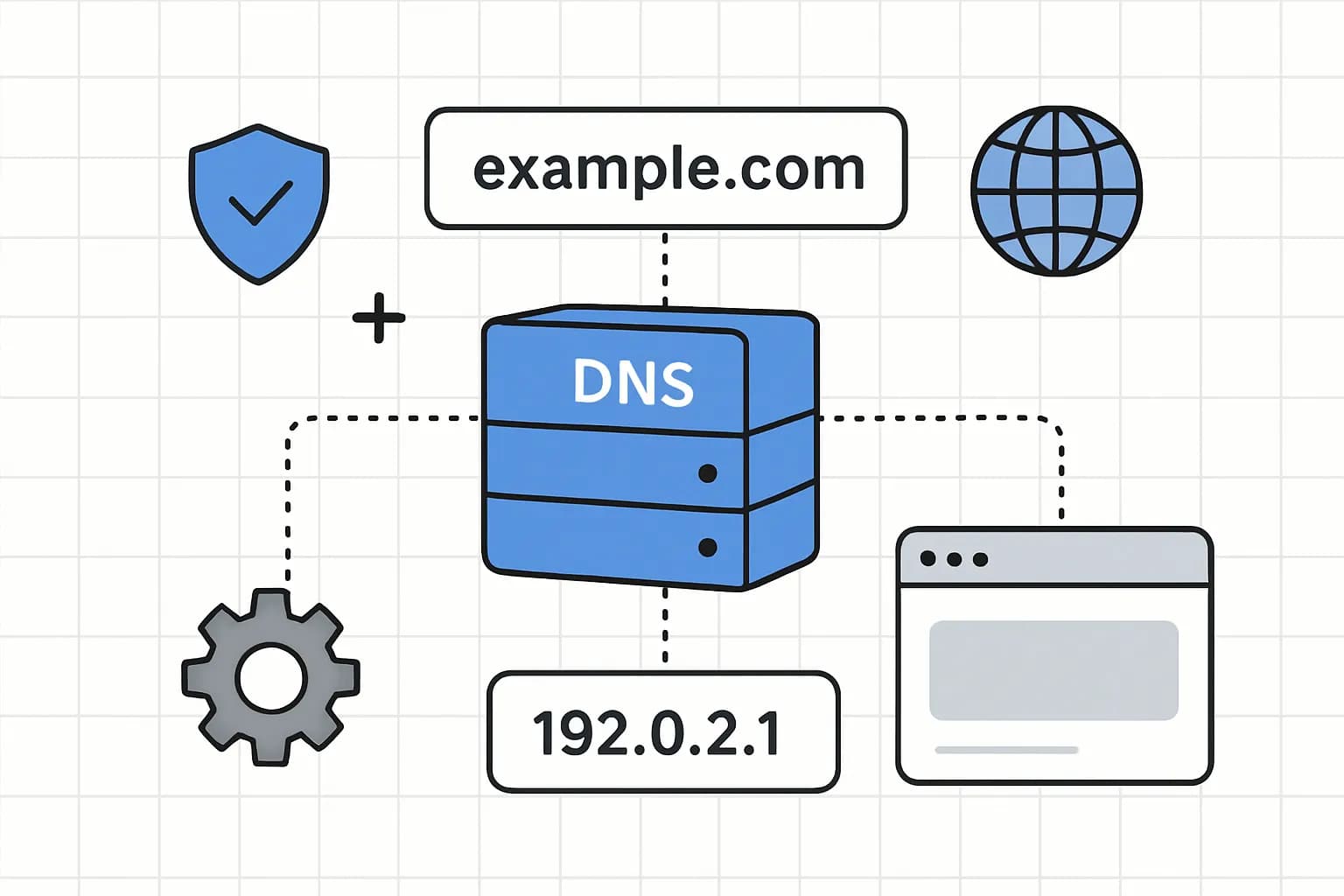
Once you have chosen your hosting provider and registered your domain, the next important step is to connect the two. This is where nameservers and DNS come into play.
In this chapter, I will explain what nameservers are and how they are used to direct visitors from your domain to your web hosting server. If you already have an account on a web hosting, you may have already seen these nameserver settings.
Even though this nameserver feature is almost always present in every web hosting service, providers rarely explain in detail what a nameserver is and why this feature is so important.
Simple Definition: A nameserver is a special server that translates domain names (such as adviserhosting.com) into IP addresses (such as 192.168.1.1) that computers can understand.
Typically Web Hosting providers provide at least two nameservers with formats such as ns1.yourhostdomain.com and ns2.yourhostdomain.com. Configuring nameservers only takes a few simple steps, but the impact is huge.
However, what exactly are these nameservers? And why are nameservers so crucial to making your website accessible on the internet?
Let's learn more about this important concept.
What are Nameservers?
Basic Concepts: IP Address vs. IP Address Domain Name
To understand nameservers, we need to understand two basic concepts first:
- I
P Address: Every device connected to the internet, including web hosting servers, has a unique IP address. An IP address is a string of numbers (such as
192.168.1.1or2001:0db8:85a3:0000:0000:8a2e:0370:7334for IPv6) that serves as a “home address” on the internet.
2. Domain Name: Since IP addresses are hard to remember, we use domain names (like penasihathosting.com) which are easier to remember and type.
The problem: computers and internet networks only understand IP addresses, not domain names. This is where nameservers and DNS come into play.
Nameserver Definition
Nameserver is a special server that stores a database of domain names and their associated IP addresses. Nameservers are part of a larger system called DNS (Domain Name System).
💡 Simple Analogy: Think of DNS like a giant digital phone book, and nameservers like information desks that help you look up phone numbers (IP addresses) based on people's names (domain names).
Nameserver Function in the DNS System
DNS is a hierarchical system distributed throughout the internet. It consists of many servers that work together to translate domain names into IP addresses. In this hierarchy:
1. Root Nameservers: Highest level servers that know information about top level domains (.com, .org, .net, etc)2. TLD Nameservers: Manages information for a specific top-level domain
3. Authoritative Nameservers: Store specific information for a particular domainThe nameservers provided by your hosting provider are the authoritative nameservers for your domain. They are “authorized” to tell the internet which IP address is associated with your domain.
Why Do We Need Nameservers?
Without nameservers and DNS, you have to remember the IP address for every website you want to visit. Imagine having to type 104.26.10.229 instead of facebook.com or 142.250.190.78 instead of google.com.
Fun fact: The global DNS system handles trillions of queries every day, allowing the internet to function in the way we know it today.
How Nameservers and DNS Work?
DNS Resolution Process: From Domain Name to Website
Let's look at the complete process that occurs when you visit a website, for example “example.com”:
DNS Resolution Process
1. Initial Request: You type “example.com” in your browser.
2. Local Cache Check: Your browser and operating system check to see if they have saved the IP address for this domain from previous visits.
- Query to D
S Resolver: If not found in the cache, the request is sent to a DNS resolver (usually provided by your ISP).
4. Nameserver Lookup: The resolver searches for authoritative nameservers for “example.com”.
5. Query to Nameserver: The resolver contacts the nameserver (e.g. ns1.yourhostdomain.com) to obtain the IP address.
6. IP Address Response: The nameserver returns an IP address (e.g. “192.168.1.1”).
7. Connection to Web Server: Your browser contacts the web server at that IP address.
8. Content Delivery: The web server sends the requested website page to your browser.
This entire process usually occurs in less than a second. Your website visitors won't be aware of the complexity behind the scenes unless something goes wrong.
Illustration of the DNS Process
+-------------+    1. Kueri "contoh.com"    +----------------+
|             | -------------------------->  |                |
|   Browser   |                              |  Resolver DNS  |
|             | <--------------------------  |                |
       |                                            /\ | | |
       v                                            |
+-------------+    9. Permintaan halaman    +----------------+
|             | -------------------------->  |                |
| Server Web  |                              |  Nameserver    |
|             | <--------------------------  |                |
+-------------+    1

0. Kirim konten         +----------------+
Why Are There Multiple Nameservers?
You may notice that hosting providers usually provide at least two nameservers (e.g. ns1.yourhostdomain.com and ns2.yourhostdomain.com). This is for redundancy and high availability:
- If one nameserver experiences problems, another can take over
- Helps distribute DNS query load
- Increase reliability and reduce response time
Configure Nameservers for Your Domain
When is it necessary to configure nameservers?
In most cases, you don't need to worry about nameservers if you buy your domain and hosting from the same provider. They will configure it for you automatically.
However, if you registered domain and hosting elsewhere, you will need to change your domain nameserver settings to point to your web hosting account.
DNS Propagation: Why Changes Aren't Immediately Visible
When you change nameservers, the changes are not immediately visible across the internet. This process takes time, usually 24-48 hours, although it is often quicker (just a few hours).
This delay is called “DNS Propagation” and occurs because:
- DNS servers around the world need to update their caches
- Each ISP and DNS resolver has a different cache retention time
- DNS information needs to propagate throughout the global network
⚠️ Security Warning: Never share your nameserver information with anyone you don't trust. Misuse of nameserver information can cause serious problems, including redirecting your website traffic or using your domain for spam activity.
Types of DNS Records
In addition to nameservers, it's important to understand the different types of DNS records used to configure your domain. Each note type has a specific function:
| Note Type | Function | Usage Example |
|---|---|---|
| A (Address) | Connecting a domain name to an IPv4 address | example.com → 192.168.1.1 |
| AAAA | Linking a domain name to an IPv6 address | example.com → 2001:0db8:85a3:0000:0000:8a2e:0370:7334 |
| CNAME (Canonical Name) | Creating aliases from one domain to another | www.example.com → example.com |
| MX (Mail Exchange) | Redirecting email to the email server | example.com → mail.example.com (priority: 10) |
| TXT | Stores text information, often for verification | example.com → “v=spf1 include:_spf.example.com ~all” |
| NS (Nameserver) | Specifies nameservers for domain | example.com → ns1.hostingprovider.com |
| SOA (Start of Authority) | Administrative information about DNS zones | Contains information such as serial number, refresh rate, etc. |
Use of DNS Records in Common Scenarios
1. Standard Website: Requires an A or AAAA record to point the domain to the web server
2. Subdomain: Uses CNAME or A records to point subdomains
3. Email: Requires MX records to direct email to the correct email server
4. Domain Ownership Verification: Use TXT records to verify domain ownership (Google Workspace, Microsoft 365, etc.)5. SPF and DKIM: Uses TXT records for email security
Practical Guide: Configuring Nameservers
Here is a step-by-step guide to configuring your domain nameservers:
1. Get Nameserver Information from Hosting Provider
First, you need to get the nameserver addresses from your hosting provider. Typically, this information is available at:
- Welcome email after you register
- Your hosting control panel (cPanel, Plesk, etc.)
- The “DNS” or “Nameserver” section of your hosting account
Examples of nameservers from some popular hosting providers:
-
IDCloudHost:
ns1.idcloudhost.com,ns2.idcloudhost.com -
Niagahoster:
ns1.niagahoster.com,ns2.niagahoster.com -
Hostinger:
ns1.hostinger.co.id,ns2.hostinger.co.id
2. Access your Domain Control Panel
Next, log in to your account at the domain registrar (where you registered your domain):
- Log in to your account
- Find the domain you want to configure
- Look for the “Nameserver” or “DNS Settings” option
3. Update Nameservers
- Select the "Custom Nameservers" or "Use custom nameservers" option
- Enter the nameservers of your hosting provider
- Save changes
4. Wait for DNS Propagation
After changing the nameservers, you need to wait for DNS propagation to complete:
- Usually takes 24-48 hours
- Some domains may be faster (only a few hours)
- You can check the propagation status using tools such as DNS Checker
5. Verify Configuration
After the propagation time has passed, verify that your domain is pointing to the correct hosting:
- Visit your website
- Check whether the content displayed comes from your hosting
- If the website doesn't appear, wait a little longer or check your configuration again
DNS Trends and Innovations in 2025
DNS systems continue to evolve with new innovations to improve security, privacy, and performance. Here are some of the latest trends in 2025:
DNS-over-HTTPS (DoH) and DNS-over-TLS (DoT)
This protocol encrypts DNS queries to increase privacy and security:
-
DNS-over-HTTPS: Sends DNS queries over the encrypted HTTPS protocol
-
DNS-over-TLS: Uses the TLS protocol to encrypt DNS queries
These two protocols prevent third parties (including ISPs) from monitoring or manipulating your DNS queries.
DNSSEC (DNS Security Extensions)
DNSSEC adds an additional layer of security to DNS by digitally signing data, ensuring that the DNS responses you receive actually come from an authorized server and have not been manipulated.
Managed DNS Service
Managed DNS services such as Cloudflare DNS, Google Public DNS, and Amazon Route 53 offer:
- Better performance with global network *Additional security features
- DDoS protection
- Analytics and monitoring
Edge DNS
Edge DNS distributes DNS resolution to locations closer to the end user, reducing latency and increasing page load speed.
General DNS Troubleshooting
Here are some common DNS problems and how to solve them:
1. Website Cannot Be Accessed After DNS Change
Cause: DNS propagation is not complete or configuration is incorrect.
Solution: * Wait 24-48 hours for DNS propagation
- Verify that the nameservers are entered correctly
- Check that your domain is not expired
2. Email Not Working
Cause: MX records are not configured correctly.
Solution: * Verify your domain's MX records
- Make sure MX record priority is set correctly
- Check if the email server is working
3. Subdomain Not Working
Cause: The CNAME or A record for the subdomain is not configured.
Solution: * Add CNAME or A records for subdomains
- Verify that the record goes to the correct address
- Check DNS propagation
4. “DNS_PROBE_FINISHED_NXDOMAIN” Error
Cause: The domain does not exist in DNS or the DNS record is incorrect.
Solution: * Verify that the domain is registered and active
- Check DNS configuration
- Try flushing your browser and computer's DNS cache
Conclusion
Nameservers and DNS are important components of internet infrastructure that allow us to access websites using easy-to-remember domain names instead of complicated IP addresses. While this concept may sound technical, a basic understanding of how it works is invaluable for anyone managing a website.
By following this guide, you now have a better understanding of:
- What are nameservers and DNS and how they work
- Different types of DNS records and their functions
- How to configure nameservers for your domain
- Latest trends in DNS technology
- How to troubleshoot common DNS problems
Remember, proper DNS configuration is an important step in ensuring your website can be accessed reliably by visitors around the world.
The next stepHappy! You have completed our entire web hosting guide. You now have a comprehensive understanding of web hosting, domains, and DNS. If you have any further questions, feel free to leave a comment below.
References and Resources
To deepen your knowledge of DNS and nameservers, here are some trusted resources:
- Internet Corporation for Assigned Names and Numbers (ICANN)
- Mozilla Developer Network: DNS
- Cloudflare Learning Center: DNS
- DNS Checker - Tool for checking DNS propagation
- MX Toolbox - Tool for checking DNS records